

Description
arts
Coloring Book
Digital coloring pages: tap-to-fill, a pressure-sensitive brush, and your own pages from Image Vectorizer.
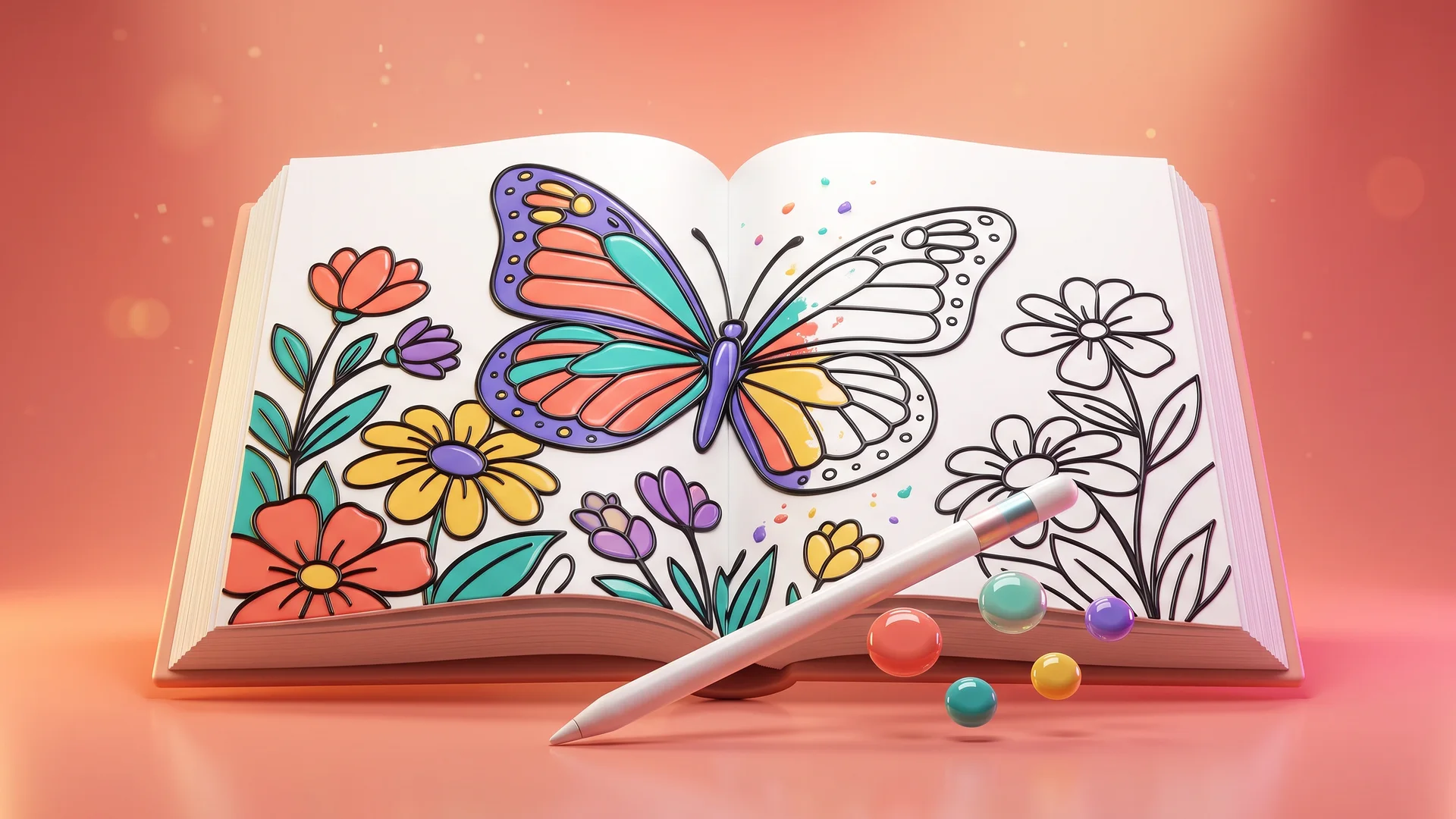
“Relaxing, creative coloring with your own pages and print-ready downloads.”
About Coloring Book
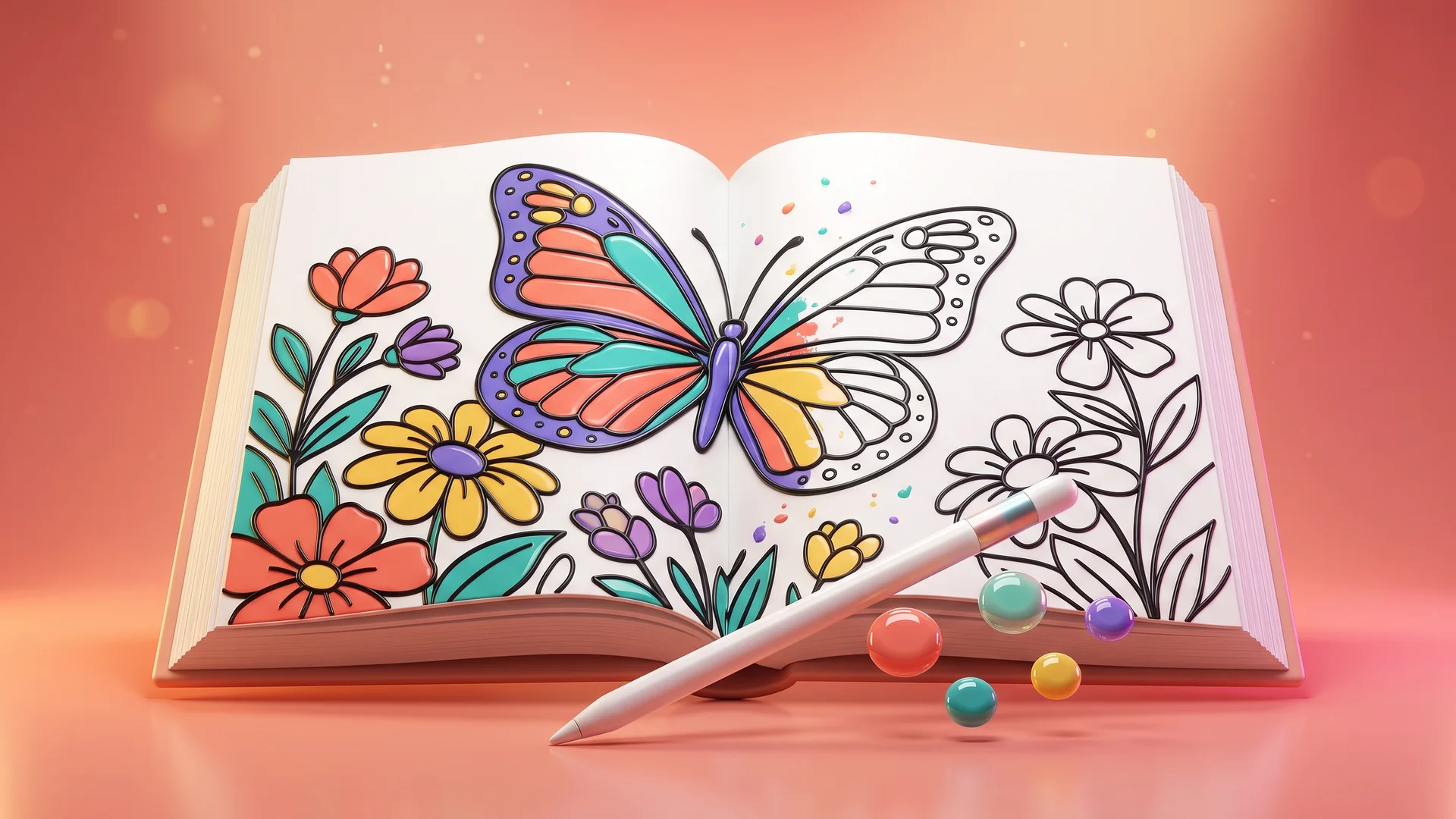
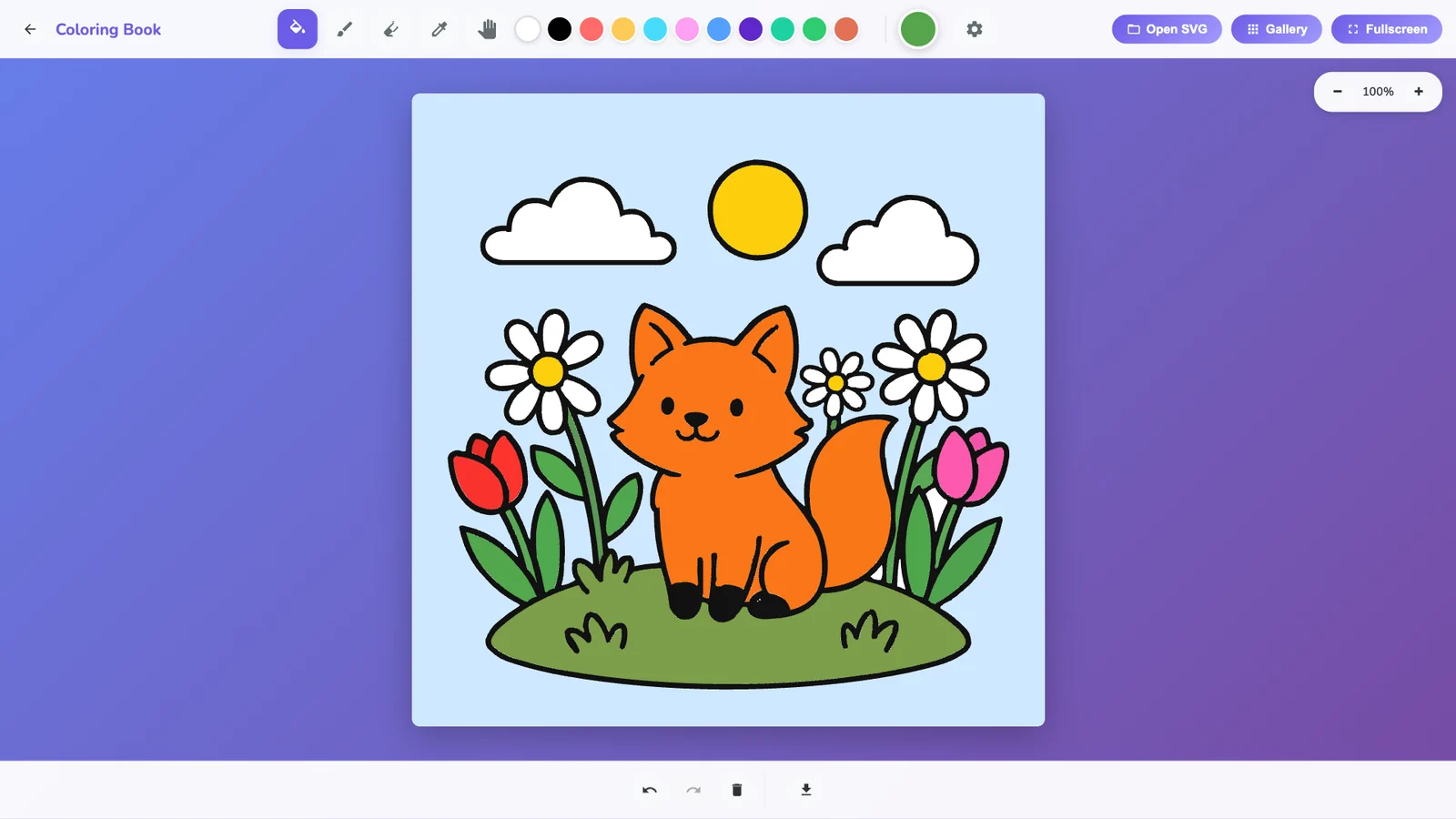
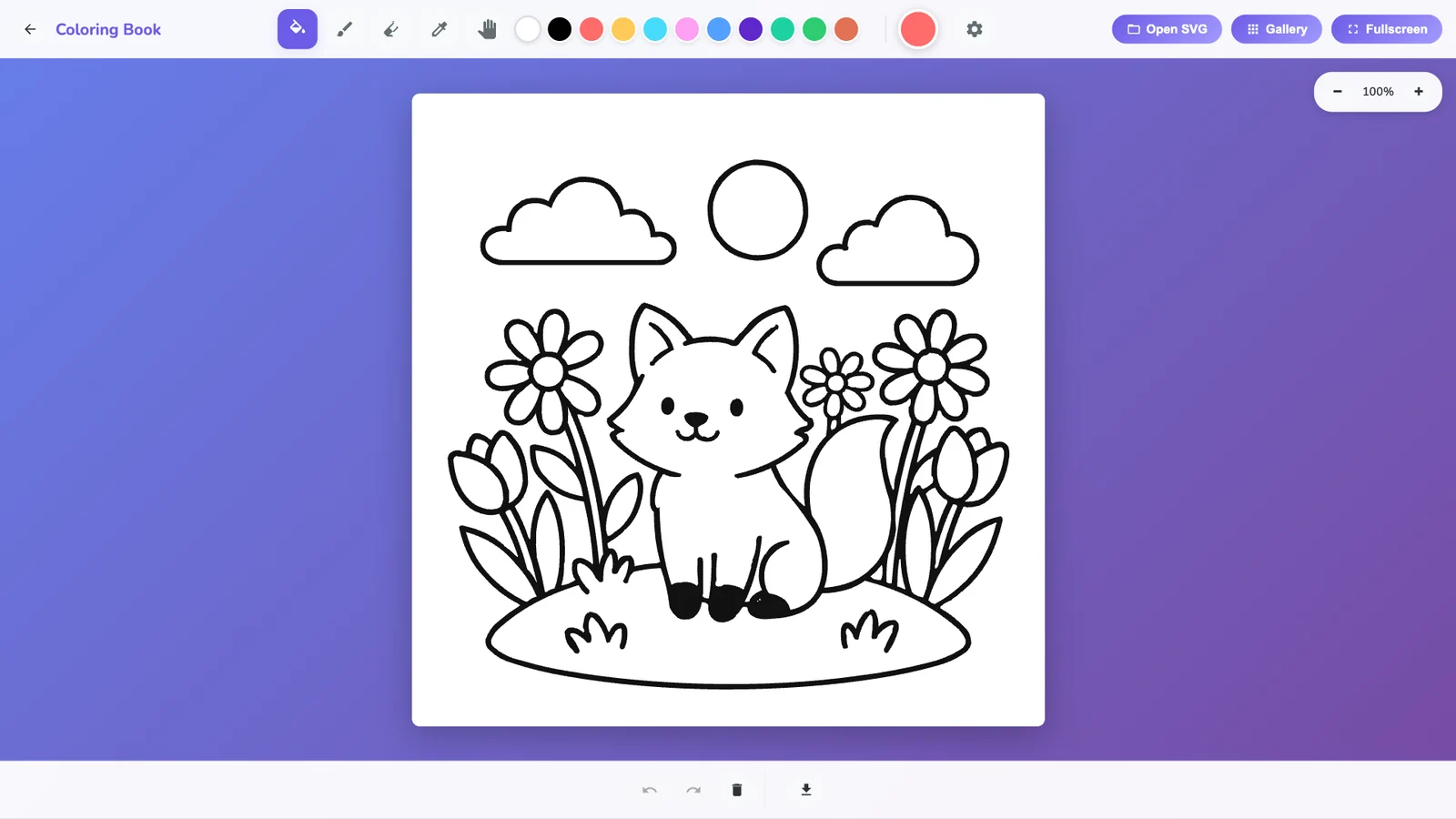
Coloring Book is a relaxing digital coloring app for all ages. Fill an area with a single click or tap, or paint freely with a soft brush that responds to pen pressure on a stylus or drawing tablet. Brush strokes can stay inside the section you start in or paint across everything. Pick colors from presets or a custom picker, sample colors with the eyedropper, erase, zoom and pan, and undo or redo any step. Start from the built-in pages (butterfly, cartoon, dog, mandalas, mushroom or a blank page), open your own SVG files, or send any picture from Image Vectorizer to make your own pages. Your work saves automatically in your browser, and you can download it as a high-resolution PNG for printing or as an SVG.
people
Product Highlights
1
Click-to-fill coloring that respects the outlines
2
Pressure-sensitive brush with size, softness and flow
3
Brush area: inside one section or across all
4
Eraser, eyedropper, pan and zoom
5
Color presets and custom color picker
6
Built-in pages: butterfly, cartoon, dog, mandalas, mushroom and blank
7
Open your own SVG coloring pages
8
Import pages from Image Vectorizer in one click
9
Automatic saving per page
10
Undo and redo history
11
Download as high-resolution PNG (3x) or SVG
12
Background colors, fullscreen and keyboard shortcuts
lightbulb Problems This Solves
arrow_right
Screen time that is passive instead of creative
arrow_right
Wanting a calm, low-pressure creative break
arrow_right
Running out of coloring pages, or wanting pages of your own
arrow_right
Paper coloring that cannot be undone
verified Key Benefits
check_circle
One-click fills that never cross the lines, easy for young kids
check_circle
Soft, pressure-sensitive brush for detailed shading
check_circle
Make your own pages from any image with Image Vectorizer
check_circle
Unlimited undo and automatic saving
check_circle
High-resolution PNG and SVG downloads for printing
Gallery
help_outline Frequently Asked
Questions
Only logged in customers who have purchased this product may leave a review.



Reviews
There are no reviews yet.