Description
See Liquid Art Studio in action: demo video, real examples and answers to common questions →
Pour, tilt and swipe fluid art that moves like real paint
Liquid Art Studio is a fluid art simulator in your browser. Pour acrylics from a layered cup, tilt the canvas and watch the paint run, swipe it open into cells. Or drop ink into water, or alcohol inks into resin and watch the white bloom into tendrils. Save what you make as a 4K picture or phone wallpaper. No paint, no mess, nothing to install.
Runs in your browser on computers, tablets and phones. On a phone you tilt the canvas by tilting the phone. Sign in with your 360apps account to open it.
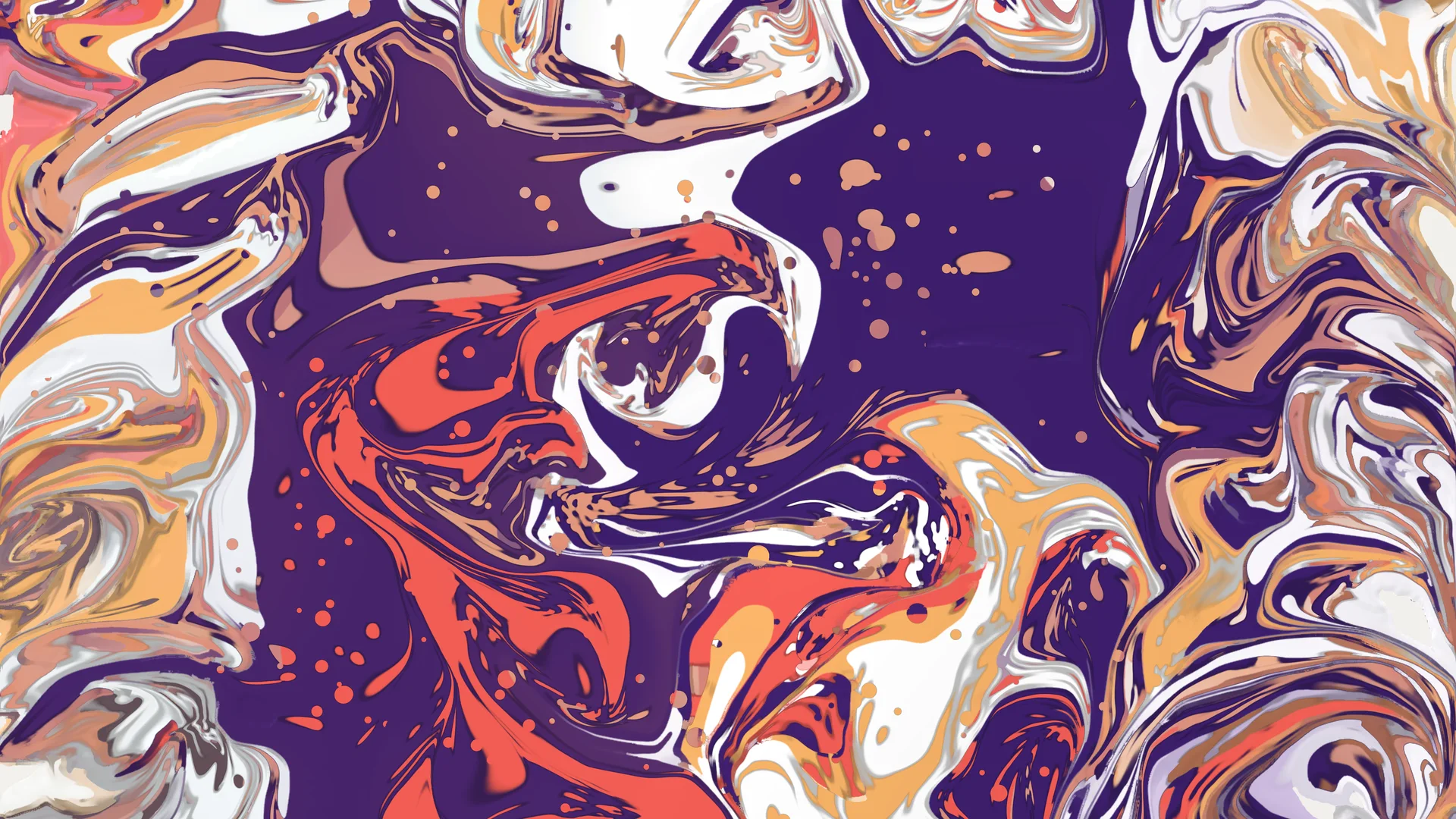
Recorded from the app: an acrylic dirty pour with a flip cup, tilt and swipe, then resin petri and ink in water.
Pick a style: Acrylic Pour, Water Ink or Resin Petri, and a palette.
Pour, drop or flip the cup. Then tilt, swipe, blow or stir.
Save it as a PNG up to 4K, square, 4:5, 16:9 or 9:16.
Every one of these was poured in the app
No paint, no canvas, no filters: each picture below was poured, tilted and swiped in Liquid Art Studio and saved at 4K.
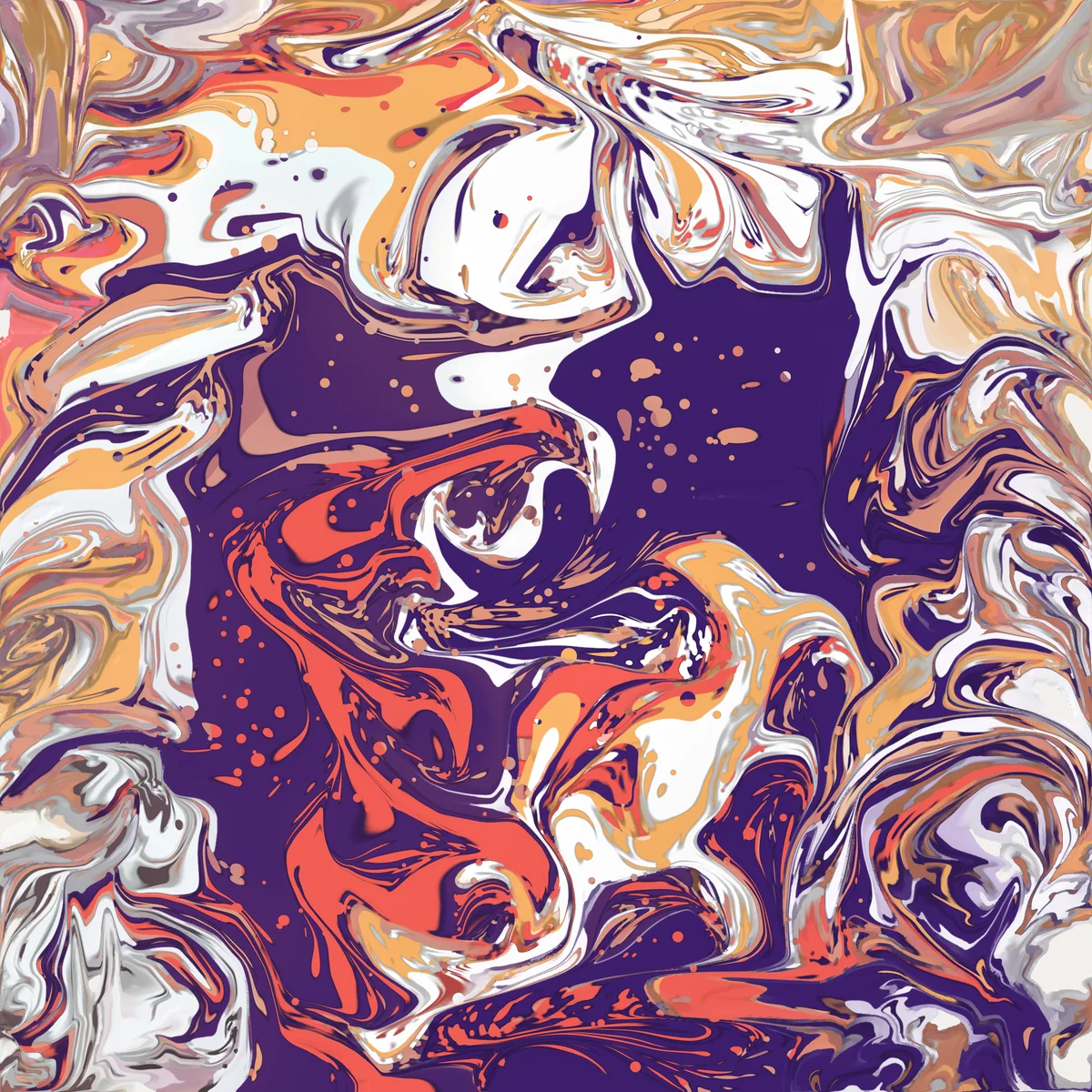
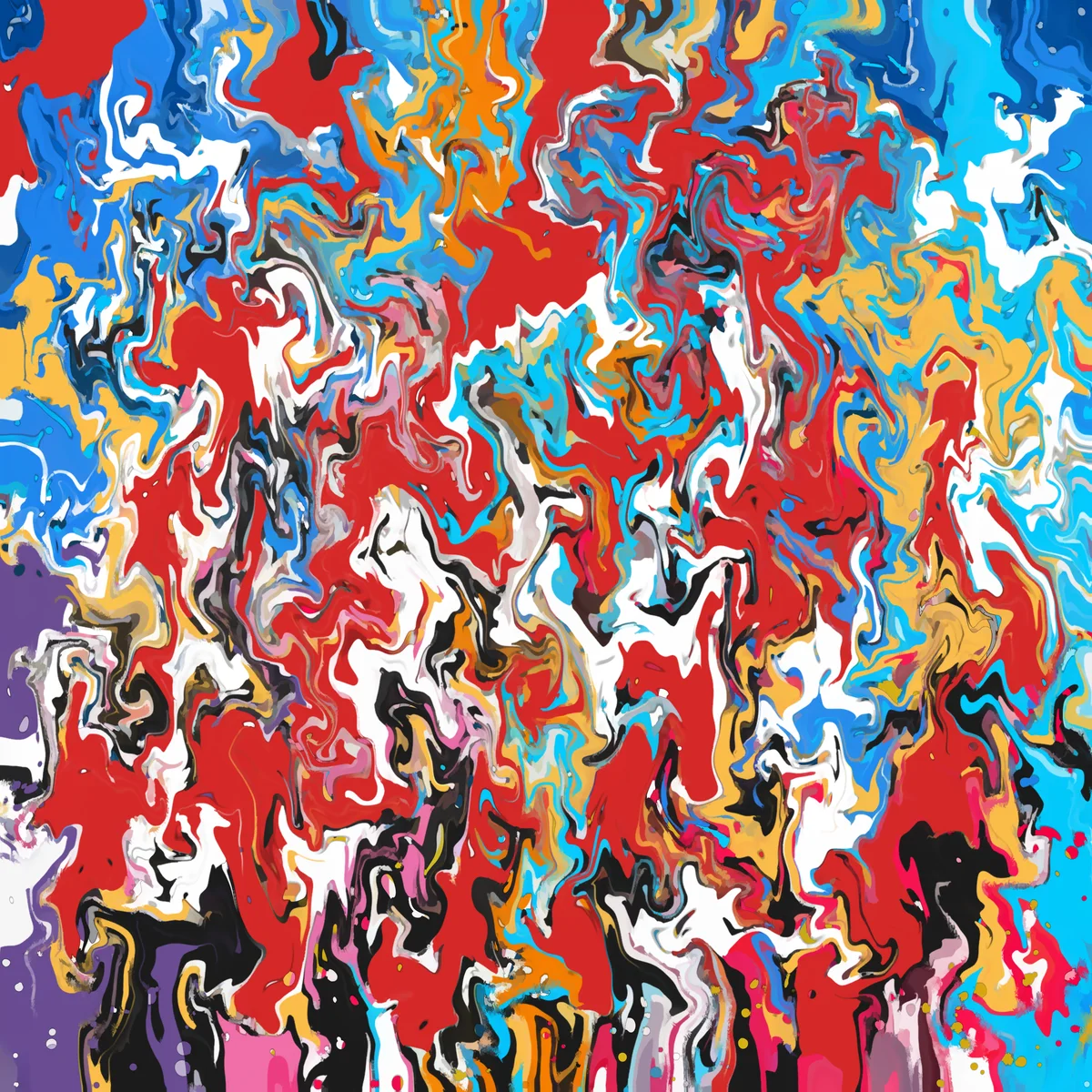
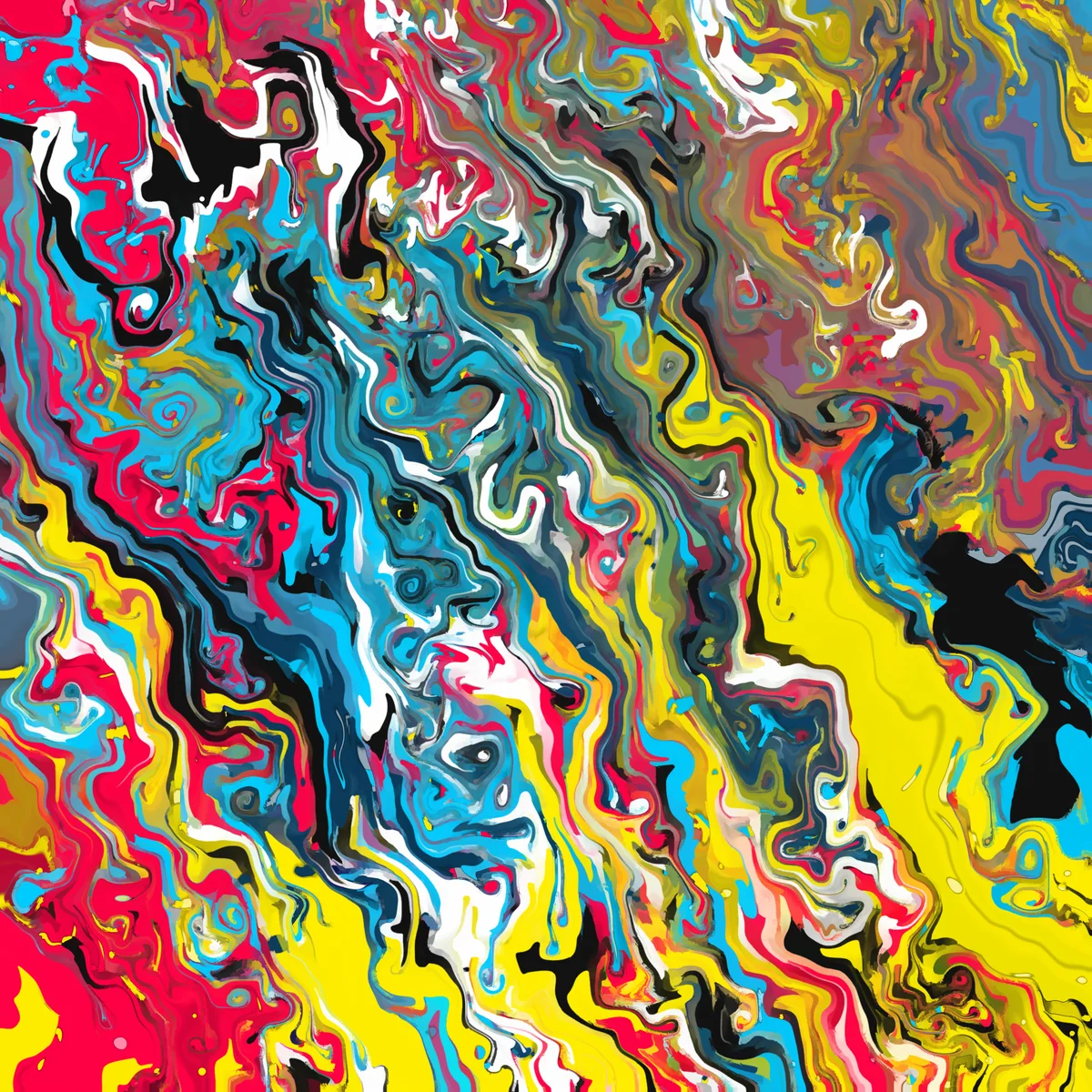
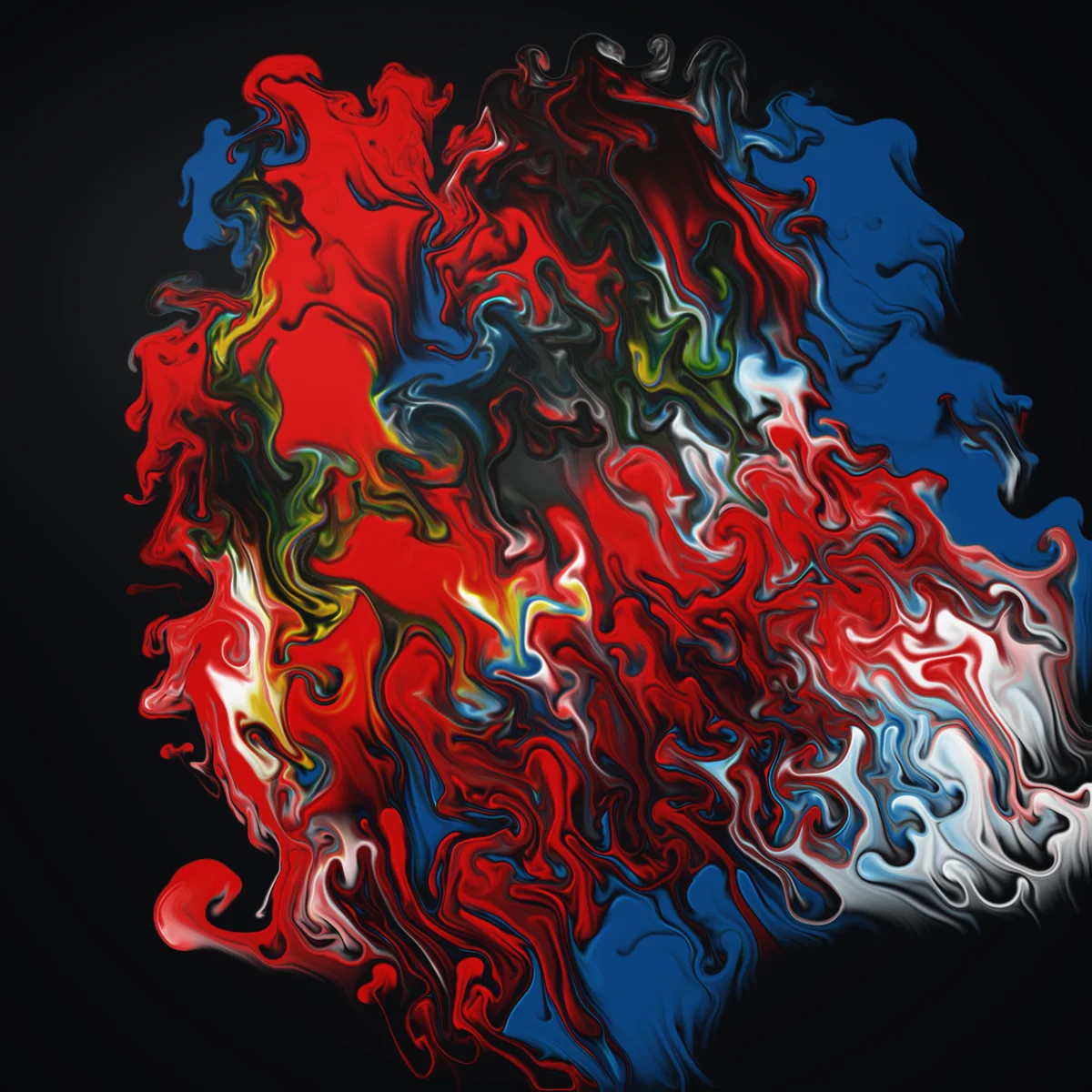
Acrylic, ink in water, or resin
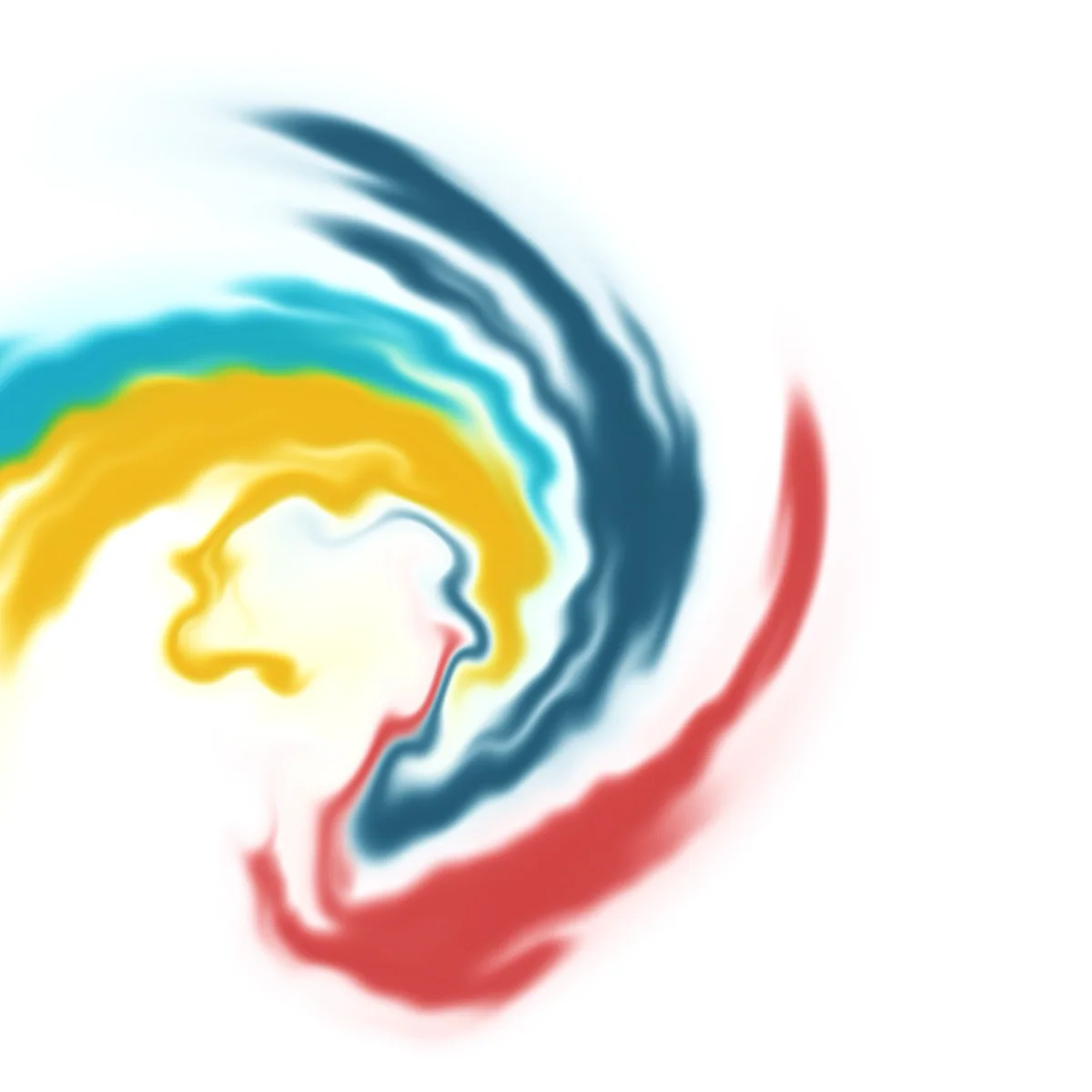
Each style has its own physics. Acrylic is a thick layer that runs downhill and leaves a coat behind. Ink in water blooms and swirls. Alcohol ink in resin is pushed apart by sinking white ink into lace and tendrils.
The pour techniques you know, on screen
Pour slowly for a thick line or quickly for a thin one, hold still for a puddle, and pour on top of paint to make rings. Then work it the way pour painters do.
- Layered cup: all four colours of your cup come out together, like a dirty pour
- Flip cup: turn the whole cup over at one spot and release every colour in rings
- Swipe: drag lightly across the paint to pull a skin of colour and open cells
- Blow: an air blower that feathers the edges, close for small ripples or far for big waves
- Stir with a stick, splatter with a brush, and set how many cells the silicone opens
The paint runs downhill, and a coat stays behind
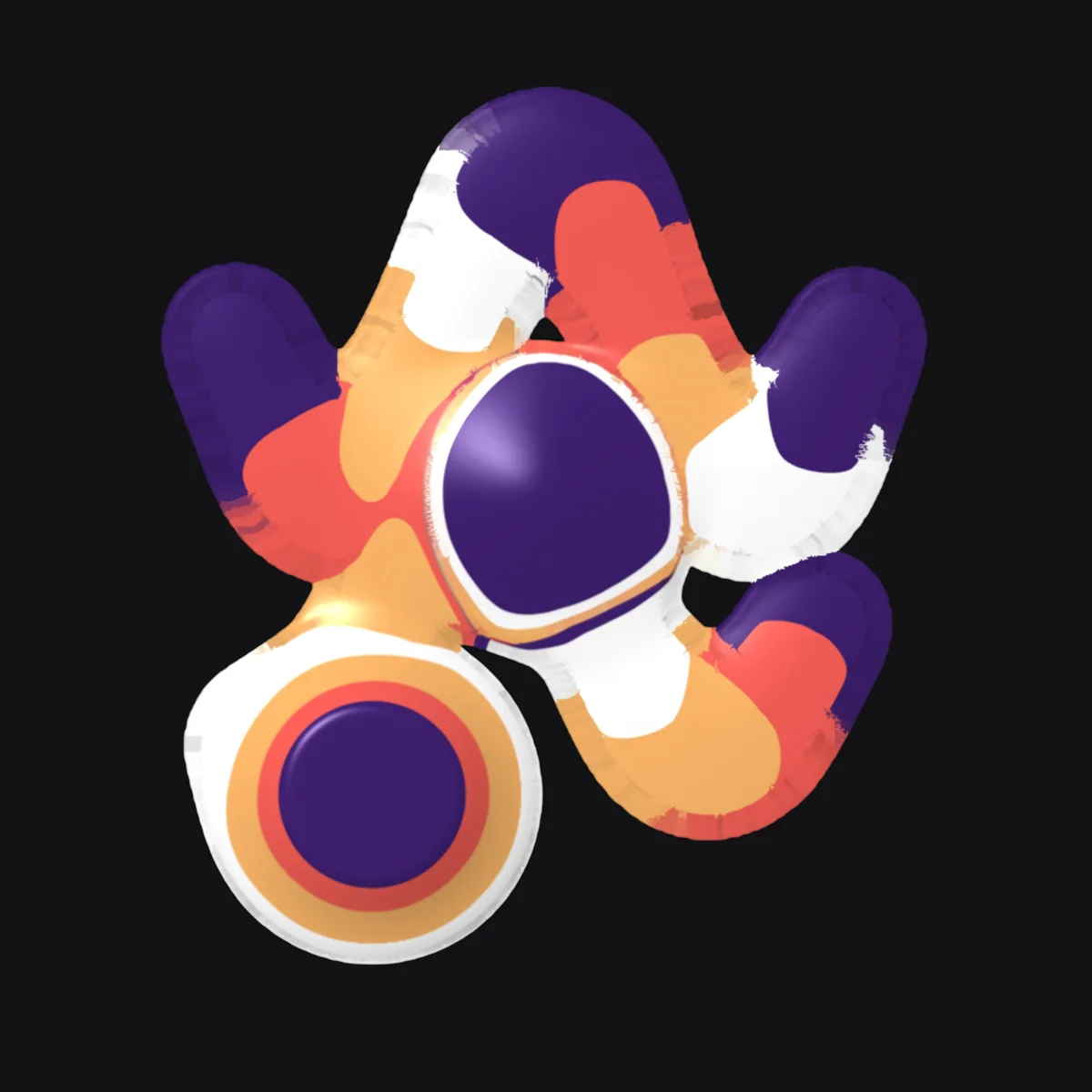
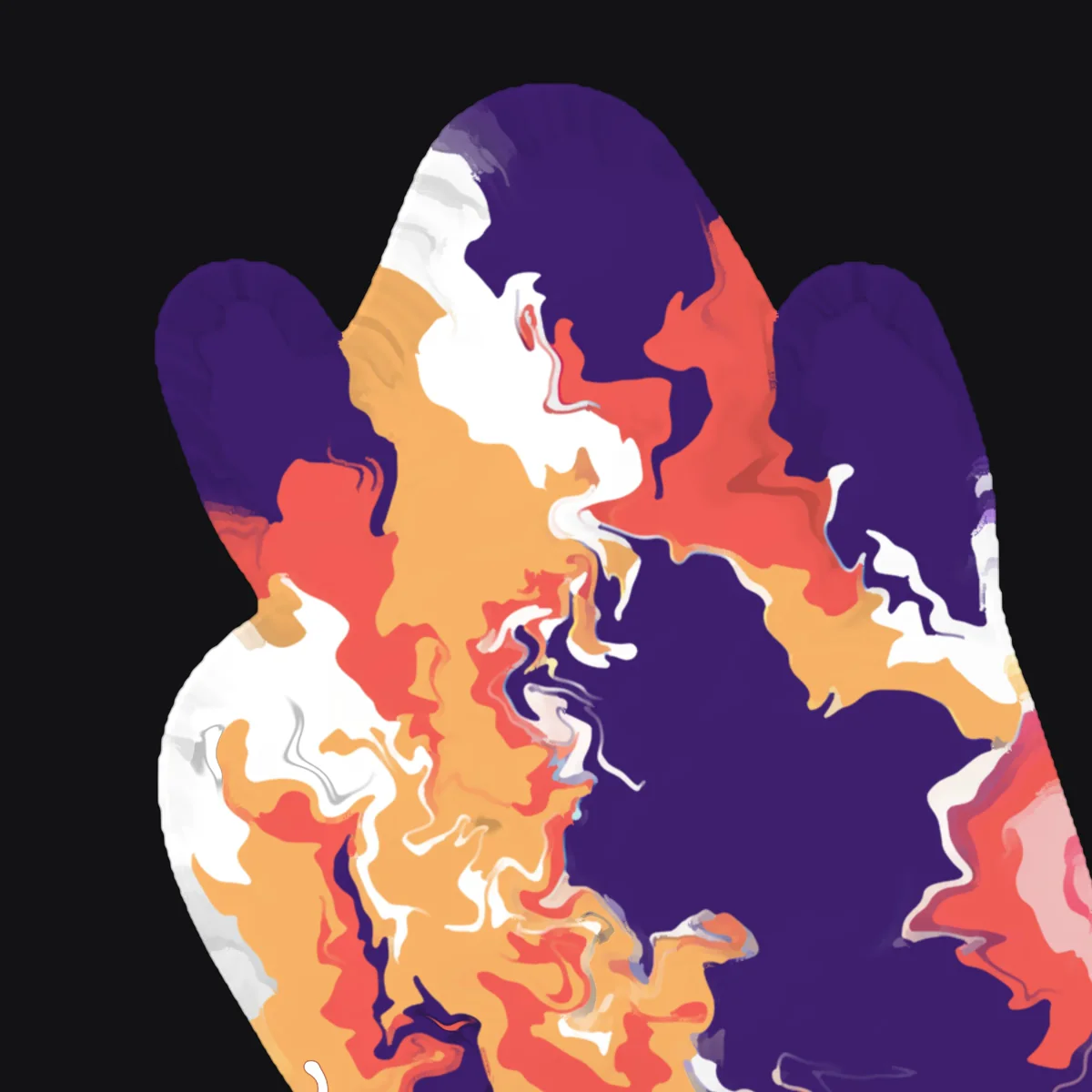
Drag the dot on the tilt pad, use the arrow keys, or on a phone just tilt the phone. Thick paint runs first and thin paint creeps, so the colours stretch into veins instead of sliding as one block. The excess runs off the edge and a coat of colour stays where the paint has been. Let go of the pad and the canvas levels by itself.
Fine control
A small tilt makes the paint creep. Past the dashed circle it runs fast.
Currents
How much the running paint folds its colours into fine veins.
Friction
Holds the body of the paint back while the veins and curls keep forming.
Fluidity
How runny the paint is, like adding more pouring medium.
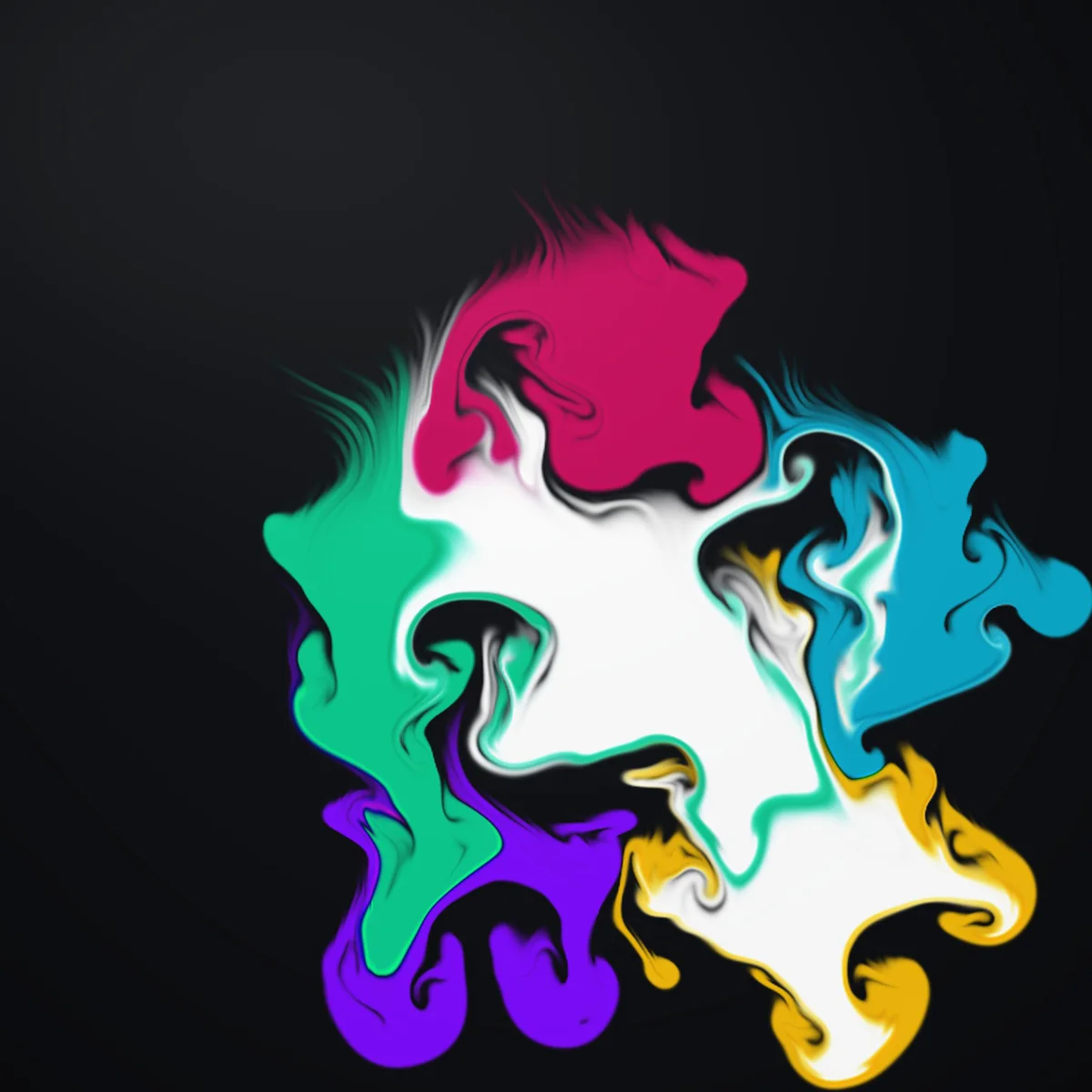
White ink sinks and blooms into tendrils
Drop alcohol inks into clear resin, then add white. The white sinks, opens up and pushes the colours into lace and fine tendrils, the way a petri dish piece forms. Choose a dark or light base.
- Tendrils: from smooth round blooms to many hairline threads
- Depth: deeper resin gives bigger, longer blooms and lets the inks run when you tilt
- Pick: drag fine lines through the resin, or hold it still to twirl a spiral
- Heat gun: push the resin and its tendrils with the Blow tool

Drops that bloom, swirl and sink
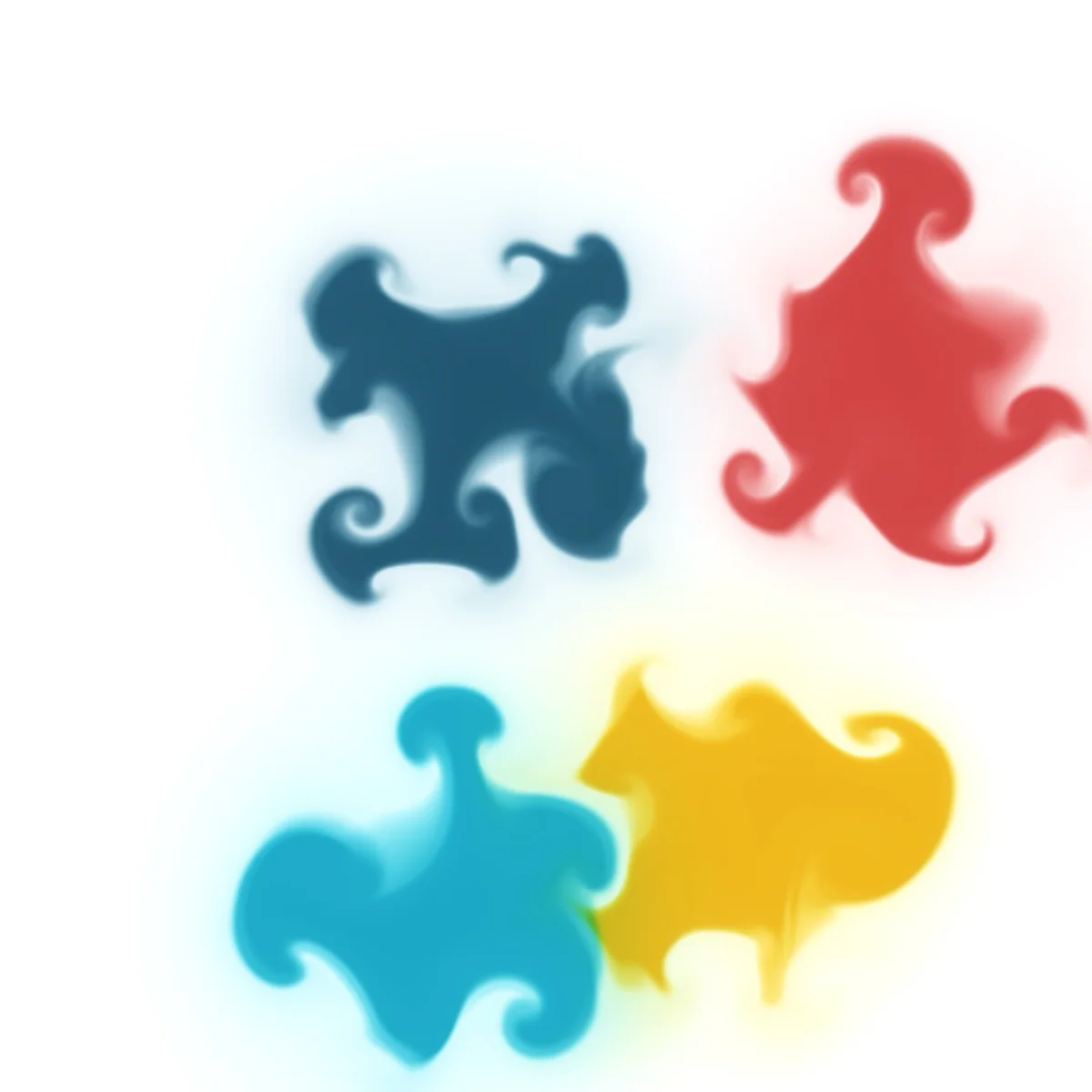
Hold for a drop that blooms, or draw with ink: a slow hand lays a wide line, a fast one a fine line. Stir the water, hold the stick still for a whirlpool, or blow across the surface.
Depth sets how deep the water is. Shallow water keeps the colours vivid on the surface. Deep water lets the ink sink, spread and slowly fade, like a drop in a glass.
Save it in 4K, or as a phone wallpaper
Pick the shape before you start: 9:16 for a phone wallpaper or a story, 4:5 for an Instagram post, 1:1 or 16:9 for a desktop. Save as a PNG at 4K, 3K or 2K on the long side. The picture is rendered fresh at that size, so edges stay smooth.
- Nine palettes, plus white and black that are always at hand and any custom colour
- Undo and redo every pour (Ctrl/Cmd+Z)
- Hide the tools with H to see only the painting
For painters, and for anyone who likes to watch paint move
Pour painters
Try a colour scheme, a flip cup or a swipe before you open real paint.
Resin and alcohol ink artists
Play with ink order, white and tilt to plan a petri piece.
Wallpaper and content makers
Make abstract fluid art in 4K, in phone or post shapes.
A calm break
Pouring and tilting paint is relaxing to watch, and there is nothing to clean up.
What you get
| Styles | Acrylic Pour, Water Ink and Resin Petri, each on a light or dark ground |
|---|---|
| Acrylic tools | Pour (puddle or line), layered cup, flip cup, swipe, blow (close or far), stir, splatter (spread). Sliders for size, fluidity, cells, currents and friction |
| Water ink | Drop, blow and stir (hold for a whirlpool). Sliders for size, fluidity, detail, depth and friction |
| Resin petri | Alcohol ink and white ink drops, heat gun, pick (hold to twirl). Sliders for size, fluidity, tendrils, depth and friction |
| Tilt | Tilt pad (springs back to level, steep past the dashed circle), arrow keys, or the phone’s motion sensor |
| Colour | Nine palettes (Ocean, Sunset, Galaxy, Earth, Mint, Blush, Fire, Classic, Petri), white and black always at hand, custom colours |
| Save | PNG at 4K, 3K, 2K or screen size, in 1:1, 4:5, 16:9 or 9:16 |
| Works on | Any modern browser with WebGL 2 on a computer, tablet or phone. Can be added to your home screen or dock as an app |
Frequently asked questions
Is there an app for acrylic pouring?
Yes. Liquid Art Studio is an acrylic pouring simulator that runs in your browser. You pour lines or puddles, use a layered cup or a flip cup, then tilt the canvas so the paint runs, and swipe or blow it to open cells.
Can I practise acrylic pouring without buying paint?
You can try colour schemes and techniques on screen first: which colours to layer in the cup, where to flip it, how far to tilt. It does not teach paint consistency or mixing ratios, which you still learn with real paint.
How do you get cells in an acrylic pour?
Real pour painters add silicone to the paint, swipe a thin layer across it, or use heat or a hair dryer. In the app, the Cells slider sets how many cells the silicone opens, the Swipe tool pulls a skin of colour that opens cells, and the Blow tool feathers the edges.
What is a flip cup or dirty pour?
In a dirty pour you layer several colours in one cup and pour them together. In a flip cup you turn the full cup over on the canvas and lift it, so the colours spread out in rings. Both are built in: switch on Layered cup for the dirty pour, or pick the Flip cup tool.
How is resin petri dish art made?
Alcohol inks are dropped into clear resin and then white ink is added. The white sinks and pushes the colours into lace and tendrils. The Resin Petri style simulates this, with sliders for tendrils, depth and friction, a pick for fine lines and a heat gun.
What does the Depth slider do?
In Water Ink it is how deep the water is: shallow keeps the ink vivid on the surface, deep lets it sink, spread and fade. In Resin Petri it is how thick the resin is: deeper gives bigger, longer white blooms and lets the inks run more when you tilt.
Can I make fluid art wallpapers in 4K?
Yes. Choose 9:16 for a phone, 4:5 for an Instagram post, or 1:1 or 16:9, and save a PNG at 4K (4096 px on the long side), 3K or 2K.
Does it work on a phone?
Yes. Tap Phone on the tilt pad and tilt the phone itself to make the paint run. On iPhone and iPad the browser asks once for permission to use motion.
Do I need to install anything?
No. It runs in the browser. You can add it to your home screen or dock as an app if you like.
Pour something. Tilt it. Watch it run.
Open Liquid Art Studio, pick a palette and pour your first cup.

Reviews
There are no reviews yet.