What is a visual routine timer?
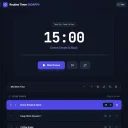
A timer that shows a list of tasks and runs them one after another, so you (or your child) can see the current task, how much time is left and what comes next.
How do I make a morning routine for kids?
Start from the kids morning template (wake up and bathroom, get dressed, breakfast, brush teeth, hair and face, shoes, coat and backpack) and change the times to fit your family. Put it on a tablet where the kids can see it and press Start.
Can I create my own routines?
Yes. Build routines with any number of timed tasks, as short as 15 seconds, and save them as your own templates.
Are there ready-made routines?
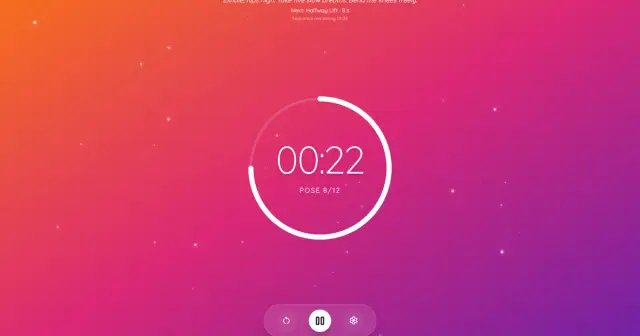
Yes: a morning routine (55 minutes), a kids morning routine, a HIIT workout (two rounds of four exercises at 40 seconds on and 20 off), a study session with four 25-minute Pomodoro blocks, kids bedtime and an evening wind-down. Using a template never overwrites an existing list.
Does it work in the background?
Keep the page open. At each task change you hear a chime and, if you allowed notifications, see a browser notification. A background tab stays on time, but there are no notifications when the page is closed, and a phone that locks its screen can pause the page, so keep the screen on.
Can I use it for HIIT or Pomodoro?
Yes. Both have templates, and you can change the work and rest times or the number of rounds.
Does it track productivity statistics?
No. It is a timer for running routines, not a productivity tracker. Routines are stored in your browser.
Can I move my routines to another device?
Yes. Export a routine as a file and import it on the other device.