The speaker can’t see the time and runs 12 minutes over.
A speaker monitor that turns amber at 5 minutes, red at the last one, and counts overtime. WRAP UP flips on from your phone.
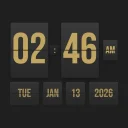 Airport Flip Clock · event edition
Airport Flip Clock turns any TV, monitor or laptop into a real 3D split-flap board, with the flap sound. Run it from your phone: a speaker timer that turns amber and red, a now-serving queue that buzzes visitors’ phones, a booth raffle, the agenda and audience questions.
Runs in the browser, nothing to install. Have an account? Open the app.
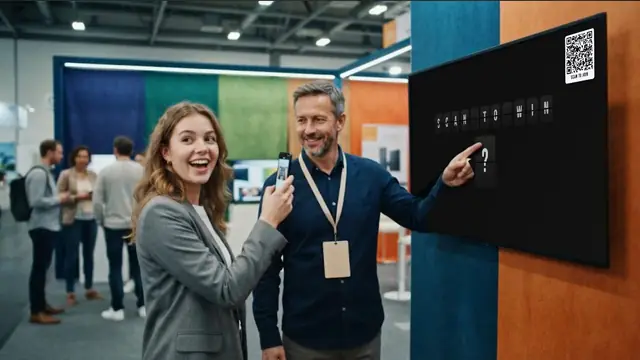
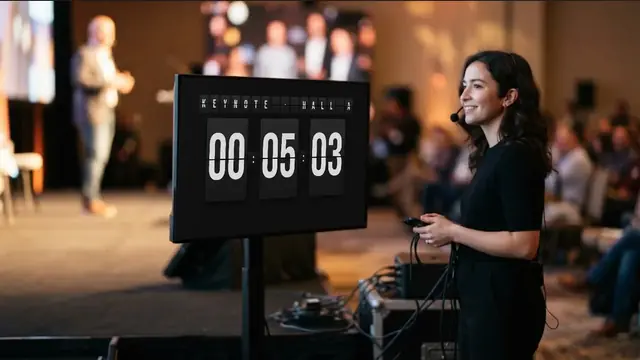 Real app on the monitor
The monitor shows a real recording of the app. The people are an illustration.
In short
Airport Flip Clock is a browser app by 360apps that turns any TV, monitor, tablet or laptop into a 3D split-flap display with a real flap sound. One show runs every screen in the room: a speaker timer with amber and red warnings, the agenda, a now-serving queue, a raffle, a score board and audience questions. The operator controls it all from a phone, screens pair with a 4-letter code, and visitors join the queue, the raffle or the Q&A by scanning a QR code with their own phone.
The problem
The speaker can’t see the time and runs 12 minutes over.
A speaker monitor that turns amber at 5 minutes, red at the last one, and counts overtime. WRAP UP flips on from your phone.
The venue TV has a remote, no keyboard, and nobody can type a web address on it.
A 4-letter pairing code. Open the app on the TV once, type the code on your phone, done.
People crowd the booth or the counter, asking “is it my turn yet?”
Take a number by QR. Visitors walk around and their phone buzzes with YOUR TURN · DESK 3.
The Wi-Fi drops in the middle of the keynote.
Screens keep counting. The show is stored as timestamps, so each screen carries on by itself and catches up when it reconnects.
How it works
Creating an online show needs your 360apps sign-in. The screens and the visitors never sign in.
Open the app in the browser of the TV, monitor or laptop that faces the room. A screen with no show yet shows a 4-letter pairing code.
On your phone, open your show and type the code under Show → Add a screen. Pick what that screen shows: follow the show, stage clock, speaker monitor, agenda, queue, score or questions.
Start and pause the timer, add a minute, send WRAP UP, call the next number or draw a winner. Every paired screen flips at the same moment.
Conferences & stages
A confidence monitor the speaker reads from across the stage, a stage clock for the crew and the agenda in the lobby, all from one show on your phone.
Waiting rooms & counters
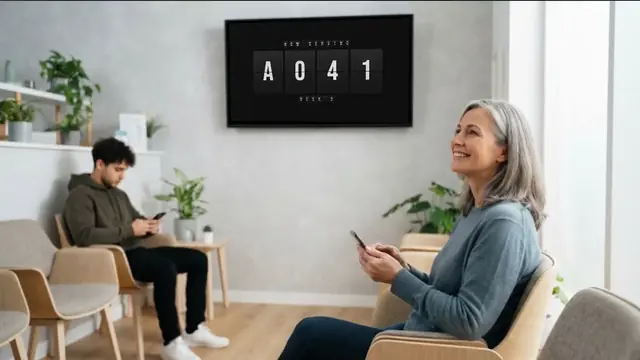
The board shows NOW SERVING with a QR code. Visitors take a number on their own phone, see how many people are ahead of them and walk around. When you press Next, the number flips on the TV and their phone buzzes.
Trade-show booths & giveaways
Put SCAN TO WIN on the board. Visitors enter the raffle from their phone with a consent checkbox and, if you want leads, an email. At draw time the board scrambles and flips to the winner.
Audience questions
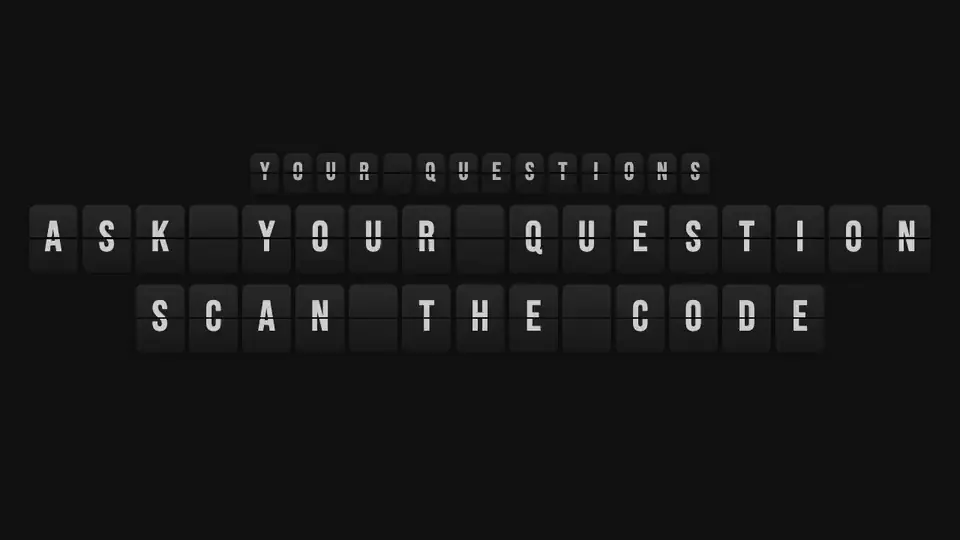
Visitors type a question on their phone and upvote the others. The moderator approves one, and it flips onto the screen letter by letter, with the asker’s first name.
Classrooms, game nights & streams
Two teams, big numbers, a chime on every point. Add points from your phone or the keyboard.
Rounds with breaks, a stopwatch with laps, and a countdown the whole room can read.
A transparent overlay link for OBS and vMix, HTTP command links for Bitfocus Companion, and a world clock whose cities flip in letter by letter.
Built for a live room
Screens keep counting from the show’s timestamps and catch up when they reconnect.
Screens sync to the server clock, so they all flip on the same second.
Open the operator link on any other device and take over.
Wake lock keeps the screen on; the cursor hides itself.
A PIN lock keeps the settings closed.
Logos rotate in the logo spot, and sponsor lines join the message rotation.
Just want a flip clock?
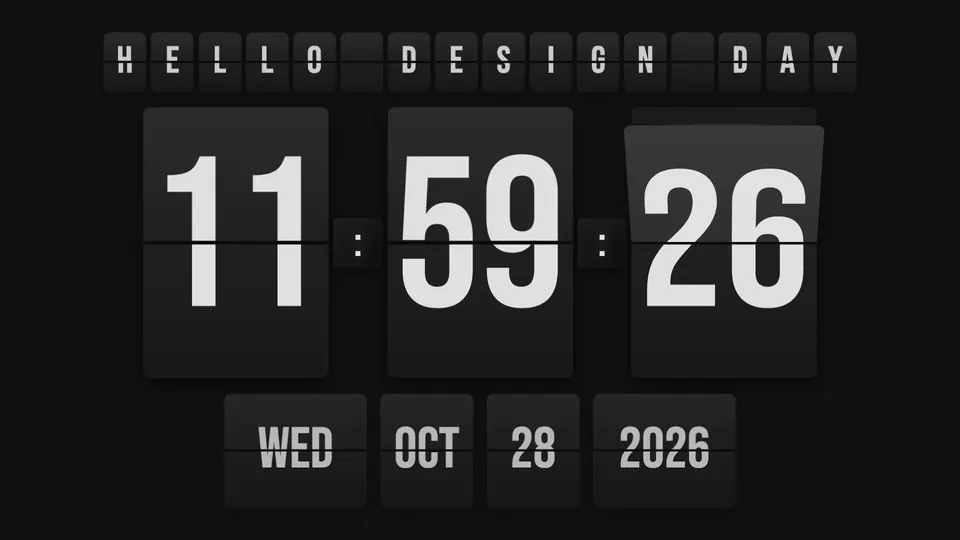
Clock mode turns a spare monitor, tablet or TV into a departure-board clock: big flipping hours, minutes and seconds, the date underneath, 12 or 24 hours, and a line of your own text that flips in letter by letter. The world clock rotates through your cities and the name of each one flips in.
What is inside
Each flap falls with gravity and bounces, with light and shadow; letters cascade like a departure board.
Synthesized tick and clack, with separate volumes for the clock and the text board, plus chimes for warnings, queue and draw.
Amber and red warnings, overtime, rounds with breaks, ±1 min and ±10 s, or count down to a clock time.
The full app on your phone: big Live buttons, every setting, roles for operator, moderator and helper.
Screens pair with a 4-letter code, so nobody types a URL with a TV remote.
NOW and NEXT on the board; the agenda can drive the countdown, the session timer and the break board.
Visitors take a number on their own phone, see how many are ahead and get a buzz with YOUR TURN · DESK 3.
Visitors enter with consent and an optional email; the winner flips onto the board; CSV export for the exhibitor.
Visitors ask and upvote, the moderator approves, the chosen question flips onto the board.
A screen link with a transparent background, for a countdown or a board over your stream.
Simple HTTP links per command (start, next, +1 min, blackout) for Bitfocus Companion.
Screens keep running if the Wi-Fi drops, wake lock, hidden cursor, PIN lock, presenter clicker shortcuts.
Visitors’ data
The visitor page asks only for what the feature needs, and says who receives it before anyone types a name.
Try it on the TV you already have. It runs in the browser on smart TVs, computers, tablets and phones.
FAQ
A split-flap display, or Solari board, is the clattering departure board of old airports and train stations. Each character is printed on flaps that fall one after another to show the next one. Airport Flip Clock draws those flaps in 3D in your browser, with gravity, light and a synthesized flap sound.
Yes. Open Airport Flip Clock in the TV’s browser, or on a laptop connected by HDMI. A screen without a show displays a 4-letter code; type it on your phone and that TV becomes part of your show. No keyboard or mouse is needed on the TV.
Put a speaker monitor in front of the stage. The timer turns amber at the warning you choose (for example 5 minutes) and red for the last minute, then counts overtime with a plus sign. From your phone you can add or remove time and flip a message such as WRAP UP onto the speaker’s screen.
Yes. The operator’s phone runs the full app: big Live buttons (start, pause, ±1 min, next, draw, message, black screen) and every setting. You can also give a moderator link (messages and questions) or a helper link (queue and draw) to other people.
The show is stored as timestamps, not as a ticking number, so every screen that has loaded it keeps counting on its own clock. Your next changes reach the screens again as soon as they reconnect.
The board shows a QR code. Visitors scan it, take a number on their own phone and see how many people are ahead. When you call their number, the phone buzzes and shows YOUR TURN with the desk, as long as the page is open, so they can walk around instead of standing in line.
Airport Flip Clock has one built in. Visitors enter from their phone with their name, a consent checkbox and, if you want leads, an email. The draw scrambles on the board and flips to the winner as first name and initial. You can export the entries as a CSV file.
Each entry is stored with the consent text the visitor agreed to. Screens only show a first name and initial. All visitor data is deleted 30 days after the show was last used, and the operator can delete it at any time. The visitor page has no tracking.
Add a screen to your show and copy its overlay link. It has a transparent background, so you can add it as a browser source in OBS or vMix and the timer or board sits over your video.
The app gives you a simple HTTP link for each command, such as start, pause, next, +1 minute or blackout. A Bitfocus Companion button (Stream Deck) can call those links with its generic HTTP action.
Yes. Clock mode shows big flipping hours, minutes and seconds with the date, in 12 or 24 hours, full screen with the buttons hidden. There is also a stopwatch and a world clock whose city names flip in letter by letter.
The menus, the phone controller and the visitor page are in 14 languages, including English, Spanish, Portuguese, French, German, Japanese and Hindi. It runs in a modern browser on smart TVs, computers, tablets and phones, and can be installed as an app.
More from 360apps
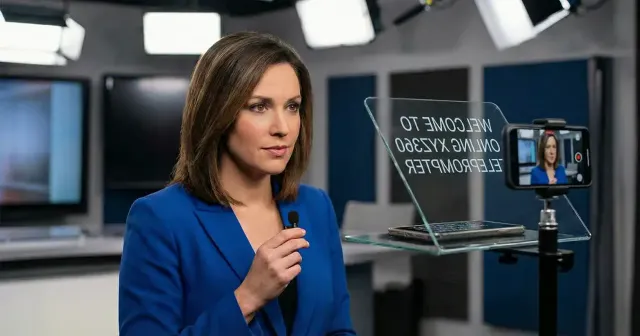 Teleprompter OnlineYour speaker reads the script and still looks at the room or the camera. Adjustable speed, mirror mode for glass rigs, clicker control and voice-follow scrolling.See Teleprompter Online →
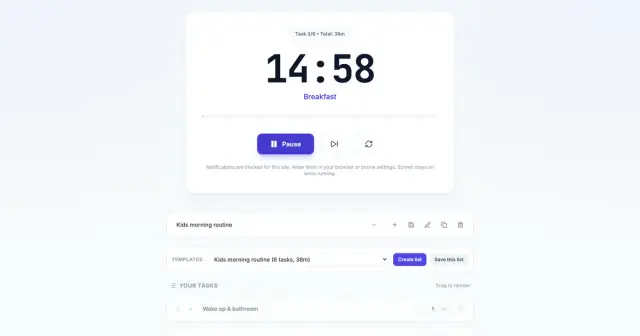 Routine TimerTimed task lists that run back to back with a chime at each step. Plan your setup checklist, a Pomodoro work block or any routine you repeat.See Routine Timer →
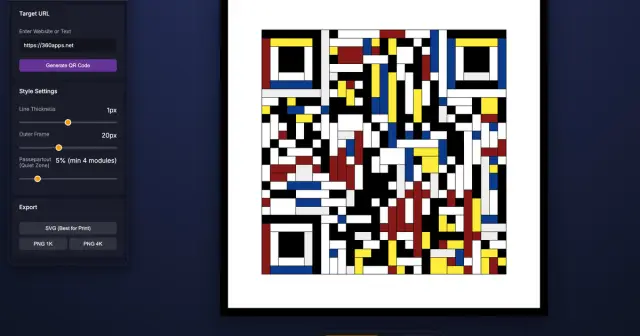 Mondrian QR Code GeneratorTurn any link into a scannable QR code drawn as a Mondrian painting, for posters, badges and signs. Download it as SVG or 4K PNG.See Mondrian QR Code Generator →
Airport Flip ClockTry it
Mondrian QR Code GeneratorTurn any link into a scannable QR code drawn as a Mondrian painting, for posters, badges and signs. Download it as SVG or 4K PNG.See Mondrian QR Code Generator →
Airport Flip ClockTry it