How can I access SPADIO 3D?
SPADIO 3D is available as a Web Application (runs directly in your browser at 360apps.net/app=spadio3d with no setup required)
and as a native macOS application on the Mac App Store.
Can I use SPADIO 3D for professional brand and commercial projects?
Absolutely. You can deliver spatial audio created with SPADIO 3D for client campaigns, brand
experiences, retail soundscapes, podcast productions, VR/games, and any monetized content.
Do I need special headphones to hear the 3D?
No! That is the magic of Binaural Audio. SPADIO 3D exports audio that works on any pair
of headphones or earbuds (AirPods, wired headphones, etc.). The 3D effect is
created through psychoacoustic processing, not hardware.
What is binaural audio vs. Ambisonics?
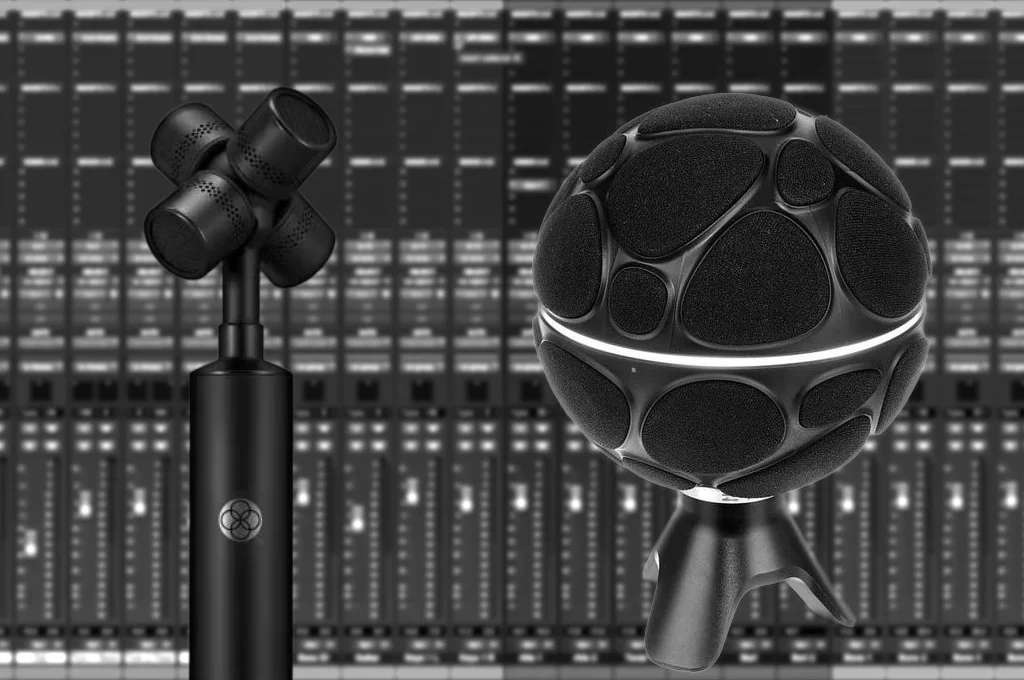
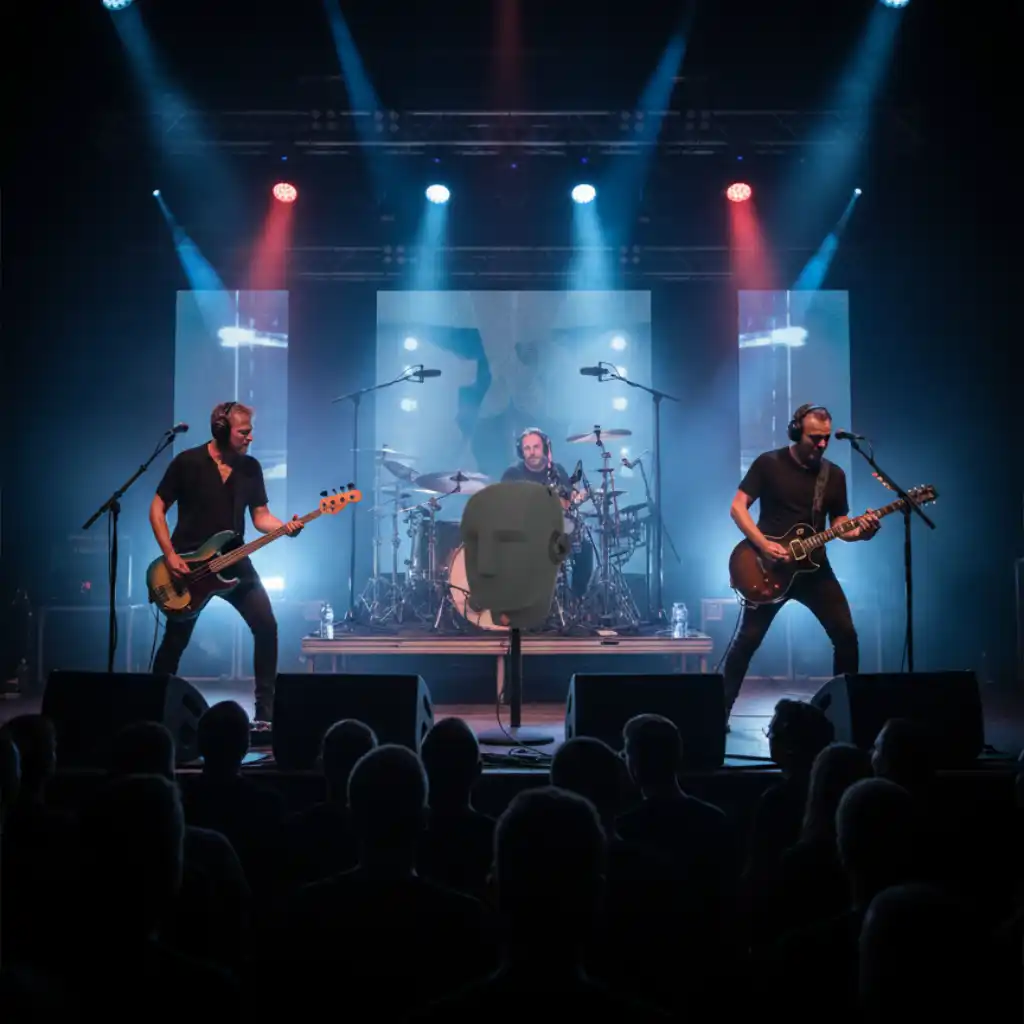
Binaural is for listening on headphones (stereo file that sounds 3D).
Ambisonics is a multi-channel format used for VR, 360 Video, and Gaming engines
(like Unity/Unreal). SPADIO 3D allows you to export both formats.
Is SPADIO 3D good for ASMR?
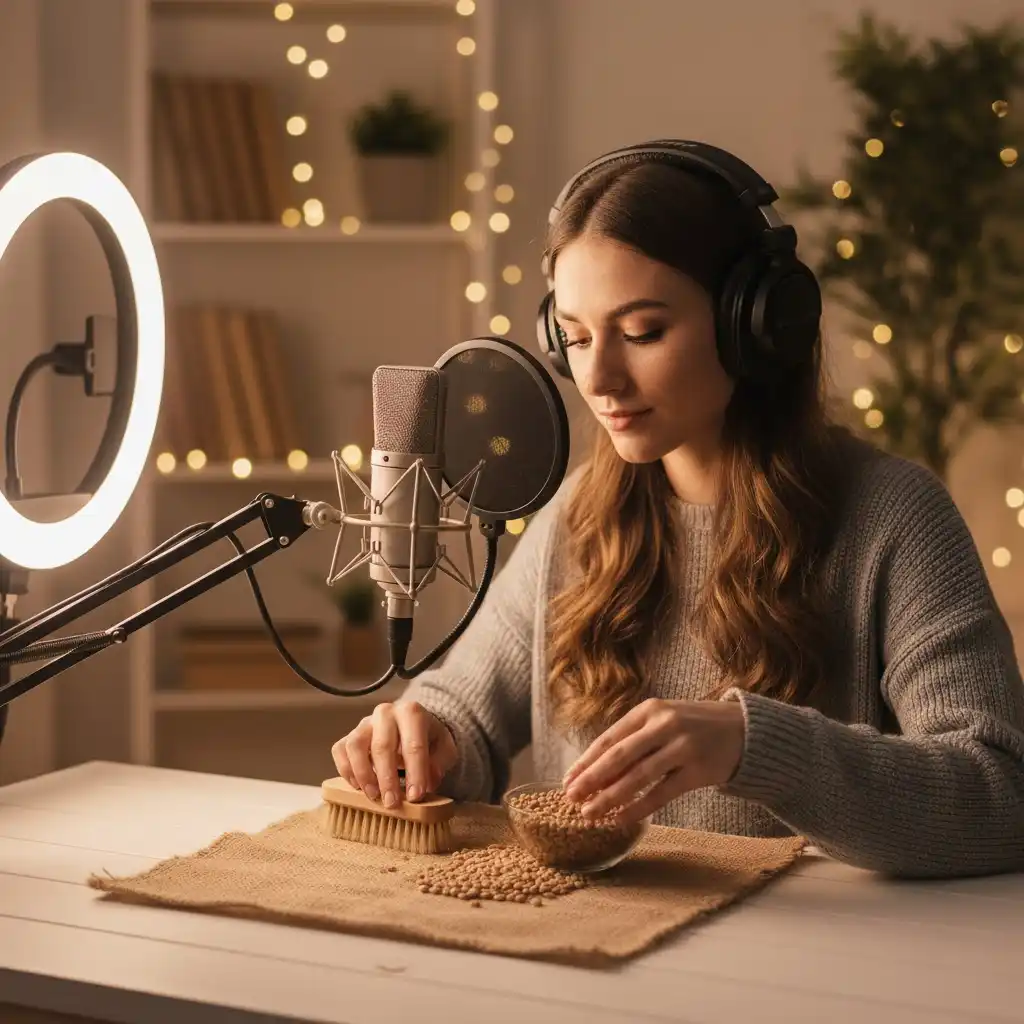
Yes, it is widely used by ASMRtists. It allows you to record with a standard mono microphone
(saving money on expensive binaural dummy heads) and add the movement artificially with perfect
precision.
Is this a VST/AU plugin or 'standalone' software?
Spadio3D is a standalone application. While DAWs like Reaper, Cubase, Logic Pro,
or Pro Tools require complex setups and plugins for spatial audio, Spadio3D is designed for
speed and simplicity without needing a host.
Does 3D audio work on Spotify or Apple Music?
Yes. If you export as "Binaural WAV" from SPADIO, the file is a standard stereo WAV. You can
upload it to Spotify, Apple Music, SoundCloud, etc., and anyone listening with headphones will
hear the 3D effect.
What are the system requirements?
Since it runs in the browser, it works on MacOS, Windows, and Linux. We recommend a modern
browser (Chrome, Edge, Brave) and at least 8GB of RAM for smoother performance with multiple
tracks.
How does the motion automation work?
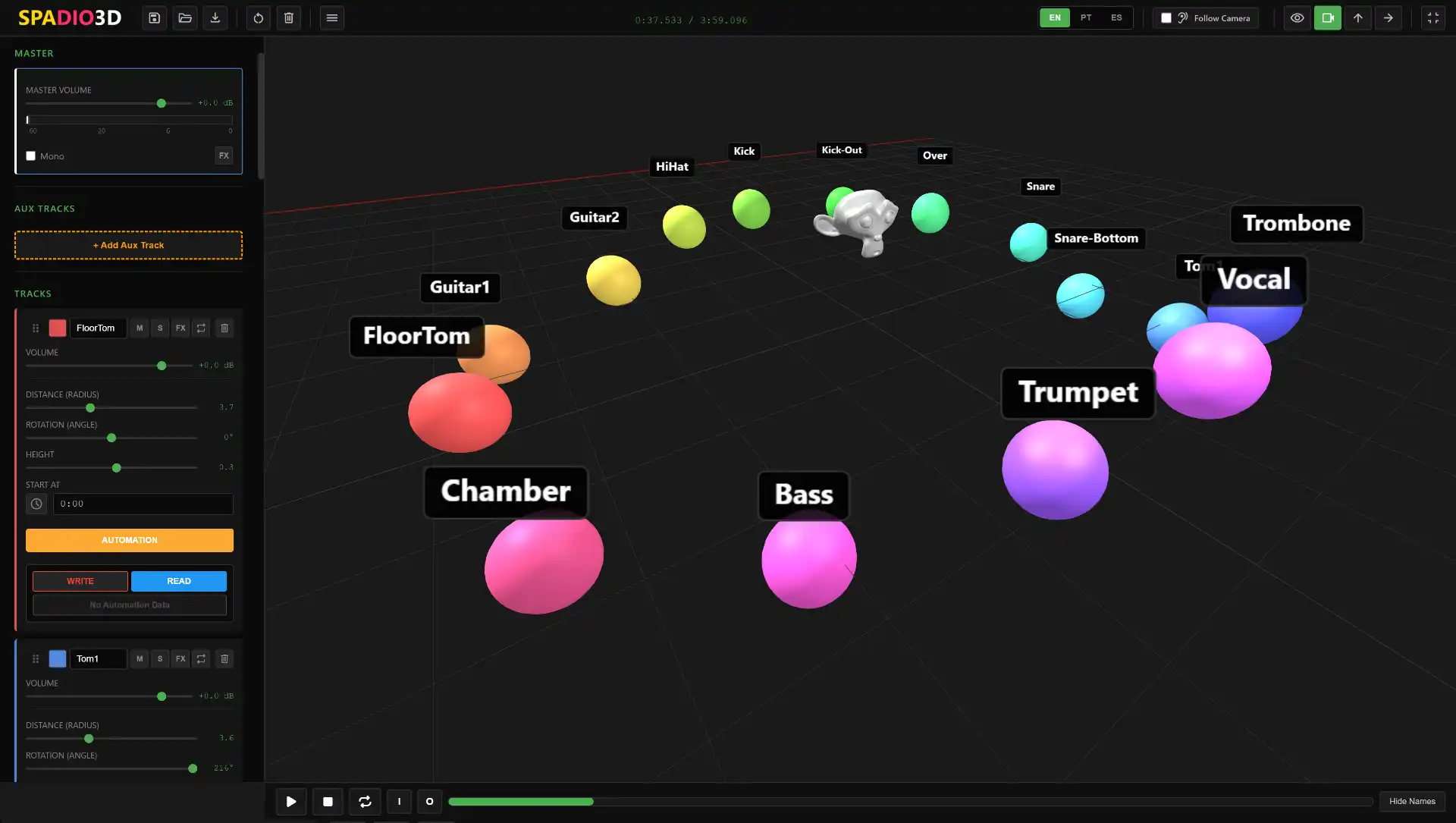
It's visual and intuitive. You can drag the sound sphere directly in the 3D viewer or move any
slider on the track (rotation, distance, height, volume, effect sends). Press 'Record
Automation' and move the controls in real-time to capture every nuance.
What if I don't like it?
Try it for free! We don't require a credit card for the trial, so you can explore all features
and ensure Spadio3D fits your workflow before making a purchase.
Is this "object-based audio" like Dolby Atmos?
Yes and no. The workflow is "Object-Based" (you move sound objects around), but the output is
rendered to Binaural Stereo or Ambisonics. It is a simplified alternative to Dolby Atmos,
focused on creators who want immediate results without complex receiver setups.
Can I use my own VST plugins inside Spadio3D?
No, Spadio3D does not host external VST plugins. However, you can use any custom Impulse Response
(IR) files for the effect sends to achieve your desired acoustic character.
Is there a way to customize the Room sound?
Yes! Spadio3D features a built-in 'Room Maker' where you can define the room size and select
specific materials for each wall (brick, curtain, wood, etc.). There are also several presets to
help you get started quickly.