
The problem
Some days everything looks grey
When your head is full, a long meditation feels like one more task. What helps is something small for your hands and eyes, that asks nothing of you and ends with something beautiful.
 Magical Reveal · a mindful break
Each scene starts bleak: a cracked desert, dead trees, a grey moor with a ruined cottage. Drag your finger or mouse over it and a lush, colourful landscape appears underneath, stroke by stroke, with a soft glowing brush.
Free 360apps account · no credit card required. Already have an account? Sign in and open it.
The problem
When your head is full, a long meditation feels like one more task. What helps is something small for your hands and eyes, that asks nothing of you and ends with something beautiful.
Who it is for
Before
With Magical Reveal
How it works
Four landscapes, each one starting dry and grey.
Paint with your finger or mouse. Change the brush size, from fine to wide, and erase to paint the grey back.
Go full canvas or full screen and take in the finished scene, then start again.
Made in Magical Reveal
What is inside
Drag your finger, mouse or pen to uncover the colour underneath.
Four dry, grey landscapes, each with a lush version underneath.
With sparkles; size from 20 to 250 px with the wheel or a slider.
Right-click or Erase mode turns the grey back on.
Fill the whole screen, great for portrait painting on a phone.
Finding colour in ordinary things, one stroke at a time.
Magical Reveal runs in your browser on a phone, tablet or computer. Nothing to install.
Free 360apps account · no credit card required.
FAQ
A calm touch-to-reveal game. Each scene starts as a grey, dry landscape, and as you drag over it a colourful version appears underneath. It is a short, satisfying pause, a small mindfulness metaphor for finding beauty in ordinary things.
No. It is a short, relaxing activity for a calm break. It is not a therapy or a treatment.
About a minute or two, depending on your brush size and how slowly you like to go. There is no timer and no score.
Yes. Drag your finger across the scene. Full Canvas fills the whole phone screen in portrait, and an Erase toggle lets you paint the grey back.
On a computer, use the mouse wheel; on a touch screen, use the slider. The brush goes from 20 to 250 pixels.
Yes. There is nothing to win or lose and no timer, so it works as a gentle wind-down for children too.
Four. Each has a dry, grey version and a lush version underneath, with things like a sunset sky, a river, deer, foxgloves and a restored cottage.
No. The scenes are digital illustrations.
No. It runs in the browser on phones, tablets and computers. Sign in to your 360apps account and open it.
More from 360apps
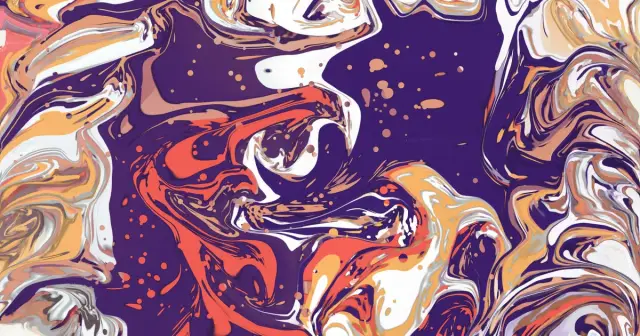 Liquid Art StudioA fluid art simulator: acrylic pours with cells, ink blooming in water and resin petri art. Tilt the canvas, swipe it open and save a 4K wallpaper.See Liquid Art Studio →
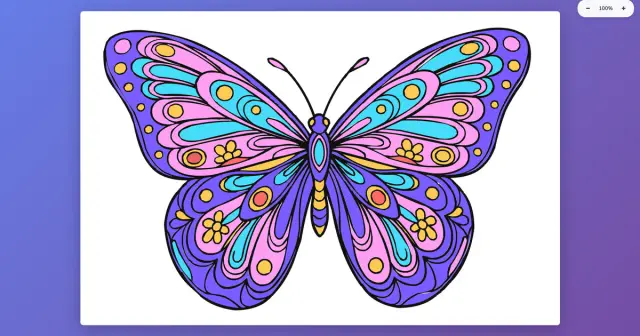 Coloring BookTap an area and it fills up to the lines, or shade with a pressure brush. Color the built-in pages or turn your own picture into a page and print it.See Coloring Book →
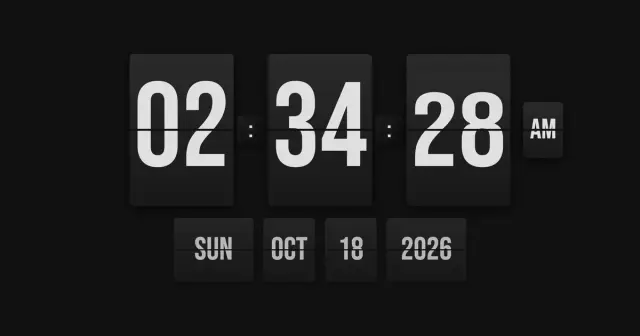 Airport Flip ClockAn airport split-flap clock for any screen, with a countdown timer and a world clock whose cities flip in letter by letter. Full screen.See Airport Flip Clock →
Magical RevealStart free
Airport Flip ClockAn airport split-flap clock for any screen, with a countdown timer and a world clock whose cities flip in letter by letter. Full screen.See Airport Flip Clock →
Magical RevealStart free