
 Camera Playground
 35 mm · 30 s
Stars as streaks
Too long for the lens you used. The Earth turned and every star became a dash. How long can you go? It depends on the lens, the sensor and where you point.
Practise the Milky Way shot before the trip. In a camera simulator with the real sky, in daylight, at home.
12 months of access · no automatic renewal · nothing to install
Taxes calculated at checkout where applicable.
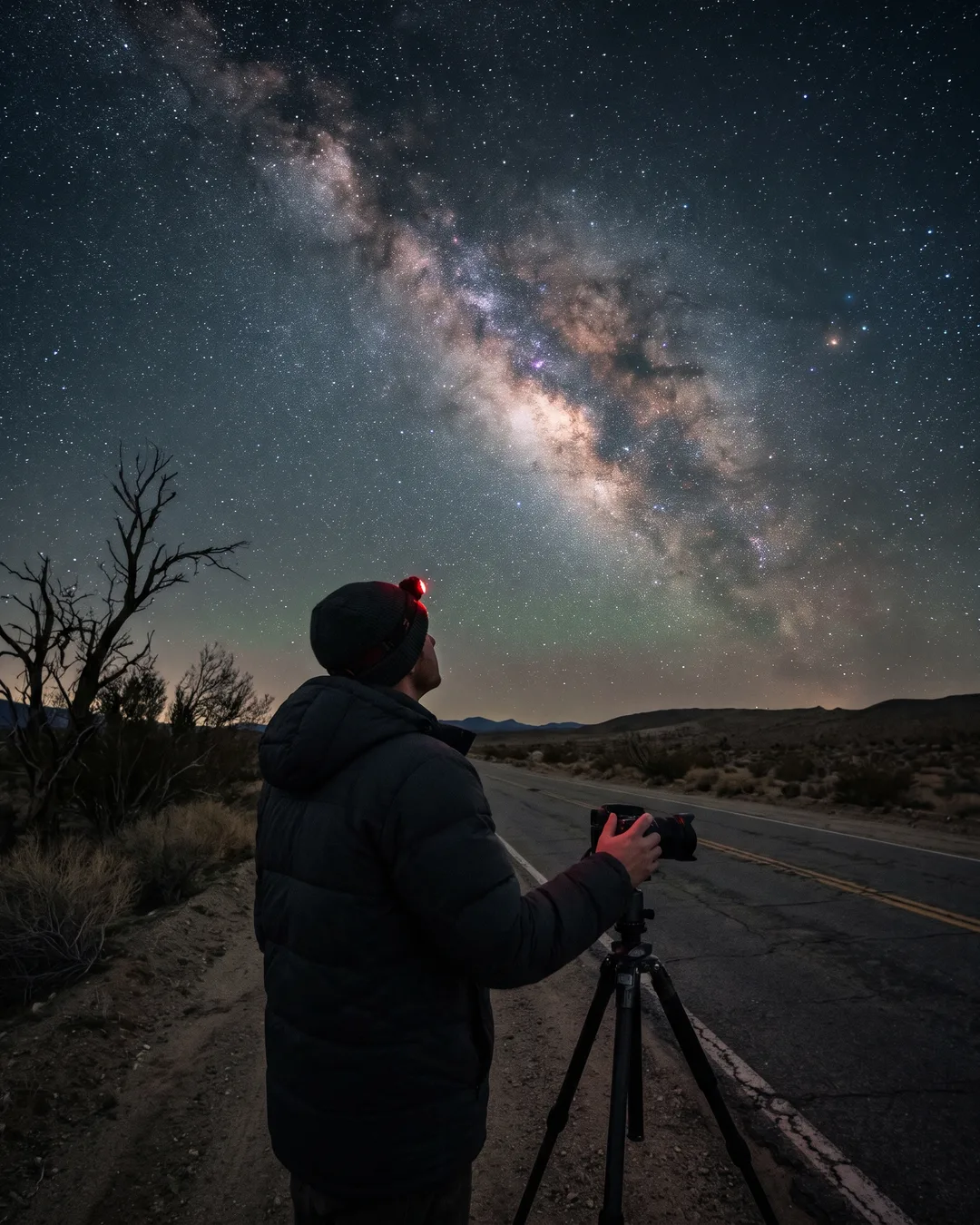
You book the place in the Atacama, on La Palma or by Lake Tekapo, drive for hours and wait for the moon to set. Then you get two or three hours of dark sky, in the cold, pressing buttons you can’t see. It’s the worst time to learn.
35 mm · 30 sToo long for the lens you used. The Earth turned and every star became a dash. How long can you go? It depends on the lens, the sensor and where you point.
 ISO 12800
ISO maxed out to make up for it, and the Milky Way drowns in grain. The right ISO, stacking and a star tracker fix it in different ways.
 Full moon
A full moon, the core below the horizon, a town lighting the sky. Sometimes the problem isn’t the camera: it’s the date, the time or the direction.
In the simulator you get it wrong in daylight, at home, as often as you like. On the trip, you just press the shutter.
Nine modules in order. Every lesson starts from a question someone asks before a night shoot, and you answer it by taking the photo, with Luna explaining and correcting.
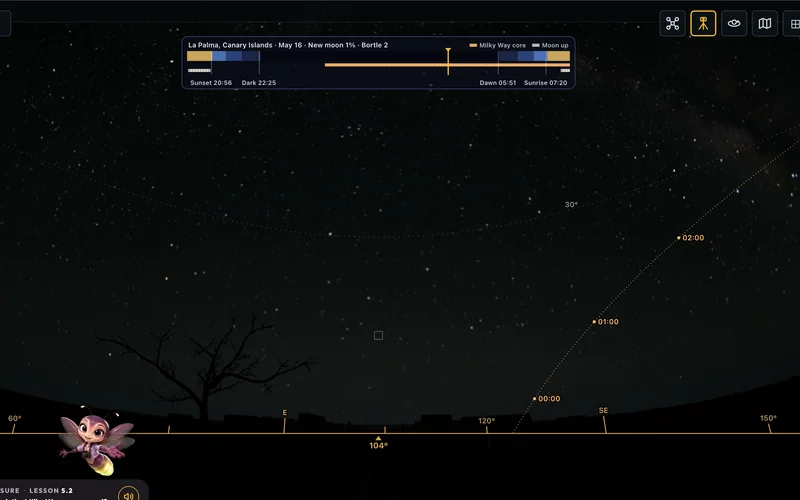
Why the sky turns, where the celestial pole is, when the night gets truly dark and the months of the Milky Way’s core.
The right lens, a tripod that holds 20 seconds, focusing at infinity in the dark and how far a phone can go.
Starting settings, the 500 rule and NPF, why stars streak more to the east and ISO without fear.
White balance for the night sky and developing the photo, without overdoing it.
A foreground that tells the story, the road as a leading line and a person under the Milky Way.
Where to point, how long, one long exposure or many short ones, and what to do with the moon up.
Stacking frames to clean the noise, the star tracker, and the two frames, sky and ground, that you blend later in an editor.
The Bortle scale, which side of the sky the town is on and what each moon phase allows.
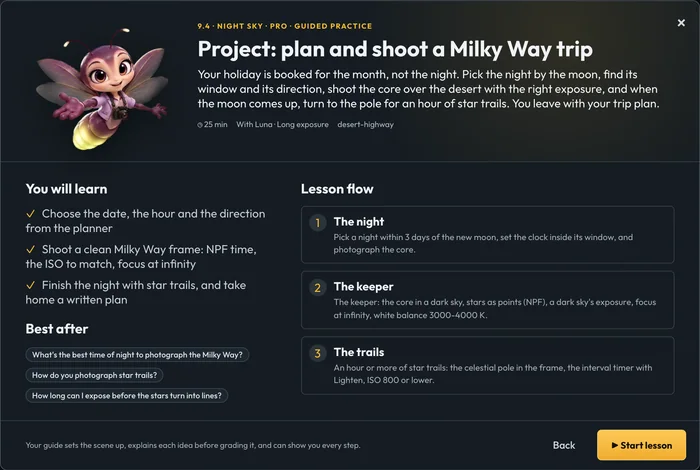
The planner, the best time of night, the sky in other places and the final project: your trip.
32 lessons in 9 modules · about 6 h 40 min in all · lessons for the southern and the northern hemisphere
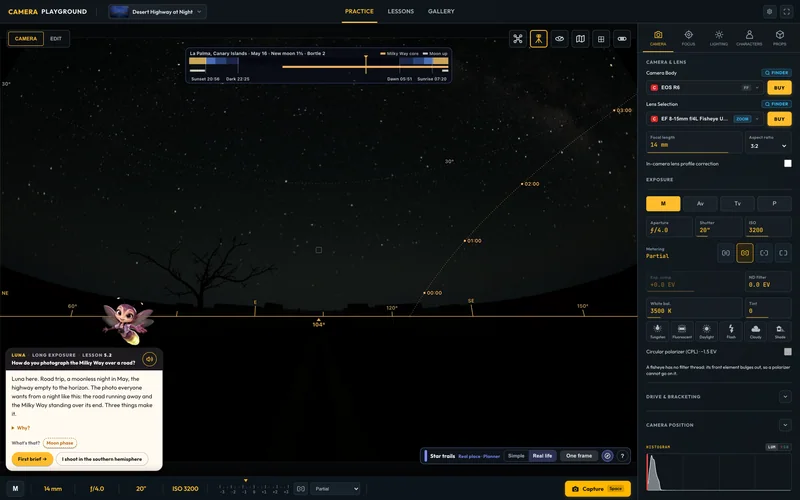
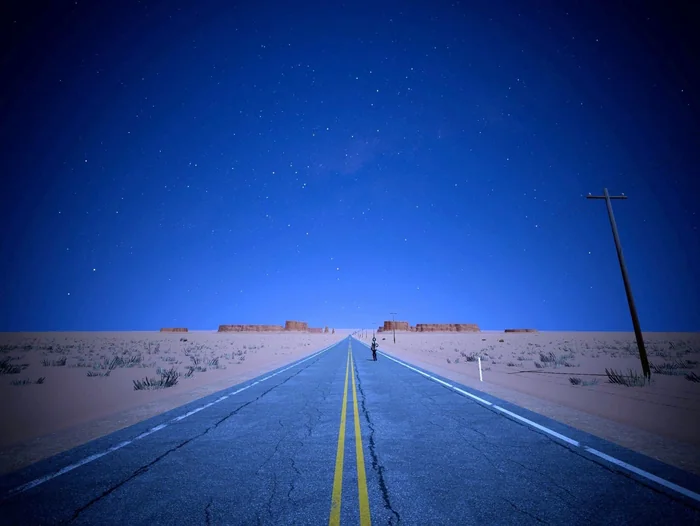
On the Desert Highway at night the sky is the real one: the stars in their places and the Milky Way made from NASA’s map. Change the place, the date and the time, and the sky changes with them.
From 15 minutes to 8 hours of frames. With Lighten, each star draws its arc. The photo is ready in seconds.
In M mode, exposures longer than 30 seconds, as on your camera.
The camera turns with the sky: stars stay points for minutes, and you see what happens to the ground.
Several frames averaged for less noise, and developing the photo in the gallery, as you would on a computer.
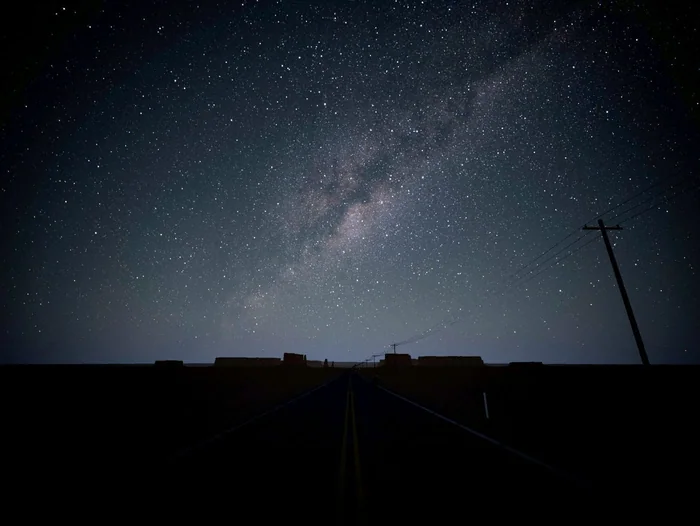
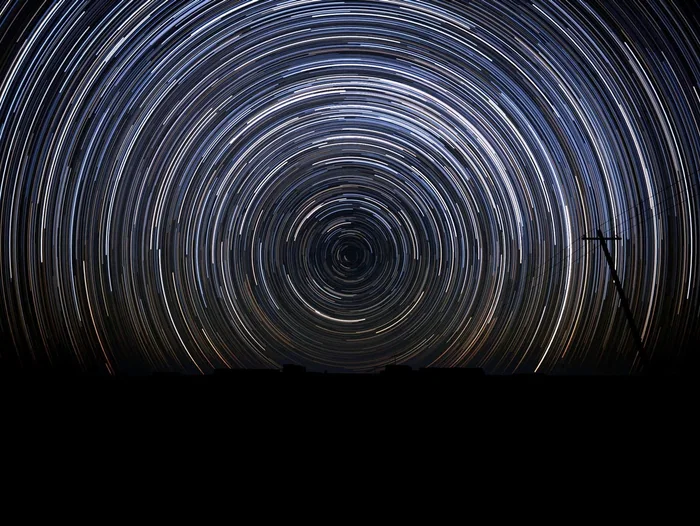
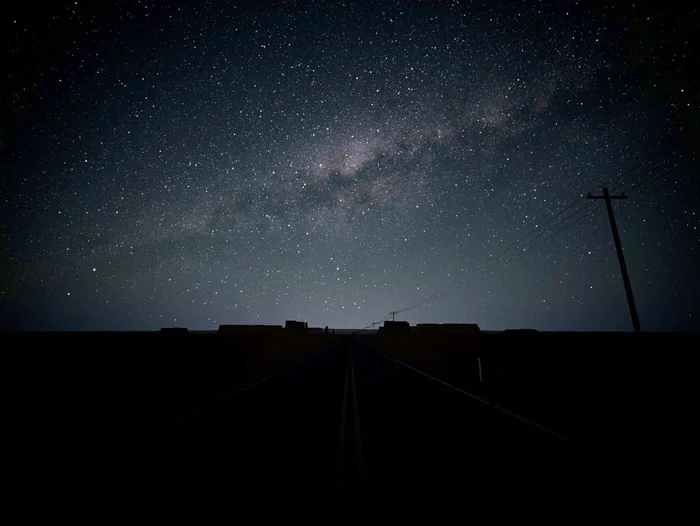
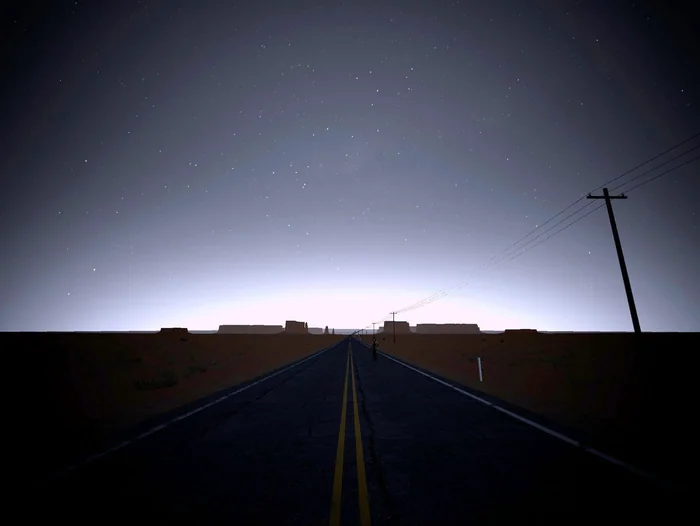
Simulator photos with a simple development (black and white points, brightness), as you would do on a computer.

Luna is the firefly who teaches the night in the simulator. She sets the scene, explains each idea in plain words, shows you on your own controls when you’re stuck and tells you what changed in your photo.
Stuck? Luna works the camera controls step by step, then gives them back the way you left them.
Every lesson has a challenge from Rio, the rival, with a grade, to prove you’ve got it.
Lessons come in a southern and a northern hemisphere version, picked from your time zone. Switch any time.
In the simulator you use real cameras and lenses: a bright wide-angle, a tripod, focus at infinity. When you buy or rent, you already know what to ask for.
Only have a phone? One lesson shows how far a phone’s Pro mode gets in a 30-second exposure, and why a camera gathers far more light from the sky.
€29€29 for 12 months of access, no automatic renewal
Get the course · €29Taxes calculated at checkout where applicable.
You pick the length of access at checkout. Runs in the browser on a computer, a tablet or a phone, nothing to install.
Want to learn photography from the start? The full Camera Playground course has 73 lessons, from your first photo to a client’s brief, in the same simulator.
See the full courseNo. Night Sky works on its own: you open the simulator straight into the desert night and take all 32 lessons. The rest of the park shows as locked, a preview of the full course. If you already have the full course, the night lessons sit next to the others.
Not for the course. You practise in the simulator with real cameras, lenses and a tripod. To shoot the real sky afterwards you’ll need a camera with manual exposure and a tripod, and module 2 helps you choose the lens.
Many phones can take a starry-sky photo in Pro (manual) mode, and one lesson shows it in the simulator with a real phone model, in a 30-second exposure. The simulator does not reproduce phones’ automatic night modes, which stack frames on their own. For a detailed Milky Way a camera still wins, and the lesson shows why.
Yes. Every lesson has a southern and a northern version, picked from your time zone: the Big Dipper and Polaris or the Southern Cross and the south celestial pole, with real places on both sides. Switch any time.
12 months from payment, with no automatic renewal: nothing is charged again. Want longer? Add 1 more year for €15 or 2 more years for €20 at checkout. After that, your certificate and your practice photos stay yours.
The 32 lessons add up to about 6 h 40 min, 8 to 25 minutes each. One lesson a night and you’re done in about a month, before the trip.
Yes. Finish the lessons and pass the course test and you get the 360apps astrophotography certificate, with a verification code.
You get access the moment you pay, so at checkout you agree to start right away, which ends the 14-day EU withdrawal period. The free 5-day trial of Camera Playground is the way to try the simulator first. If the course doesn’t work as described, you get your money back.
A modern browser (Chrome, Edge, Safari or Firefox) with WebGL 2, on a computer, tablet or phone. Nothing to install. The night sky has a lot of detail: on a bigger screen you see more stars.
Arrive knowing what to do.
12 months of access · no automatic renewal
Taxes calculated at checkout where applicable.
