Description
Watch every note you play turn into light
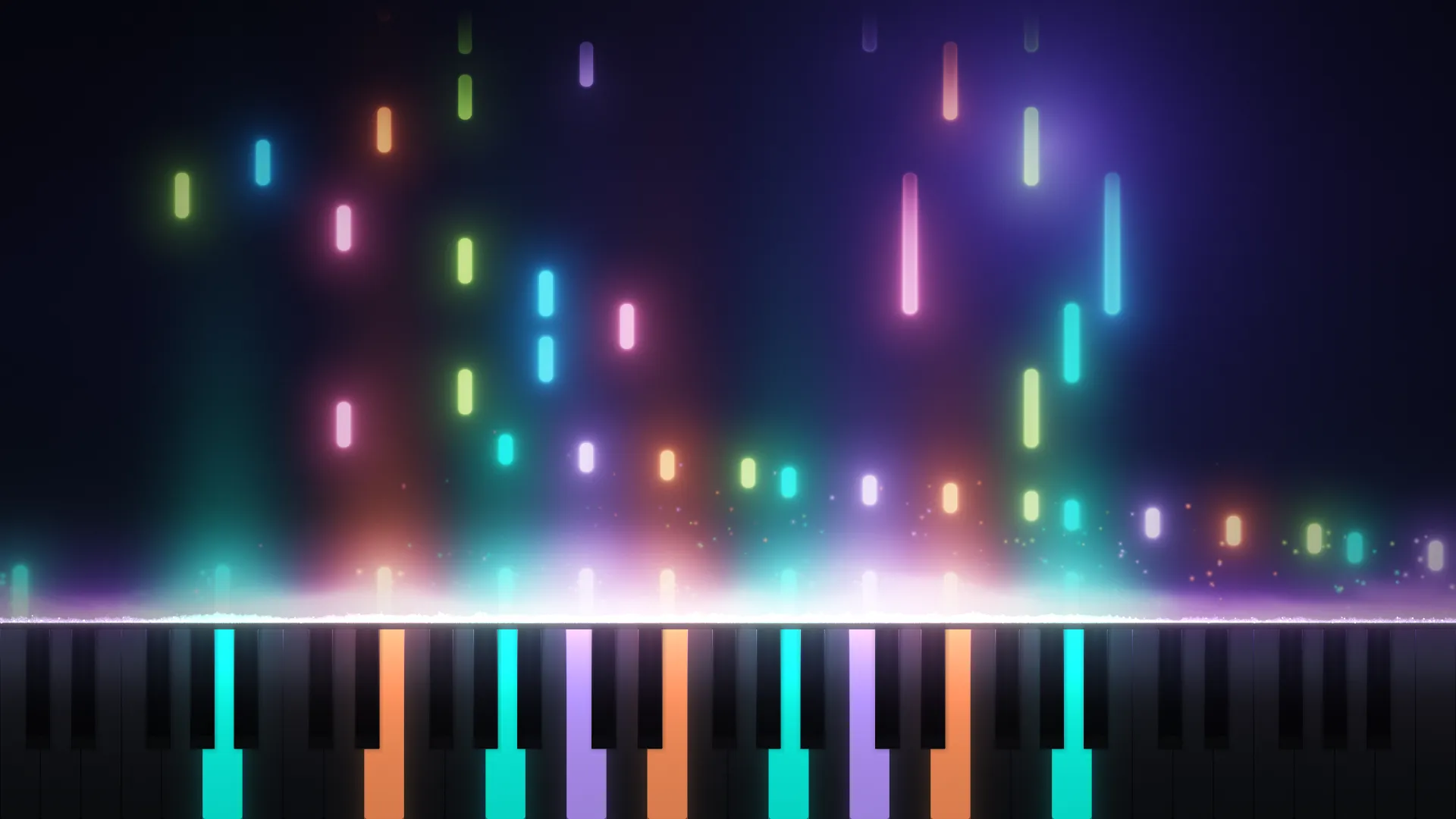
Piano Live VFX is a live piano visualizer for your MIDI keyboard. Each key you press sends up a ribbon of light that grows while you hold it, with sparks, stars or stage beams that follow how hard you play and which chord you play. Stream it in OBS, or record a vertical video for Reels, TikTok and Shorts straight from the app. Nothing to install.
Runs in your browser on Mac, Windows, phones and tablets. A MIDI keyboard needs Chrome or Edge (Safari and iPhone have no Web MIDI, so play with the keys or touch there). Sign in with your 360apps account to open it.
Recorded with the app’s own recorder: the built-in demo, switching through eight of the nine themes, with the built-in piano sound.
Plug in a MIDI keyboard, or play on your computer keys or the screen.
Pick one of nine looks, or a preset you saved.
Play. Press I for clean view to stream, or R to record a video.
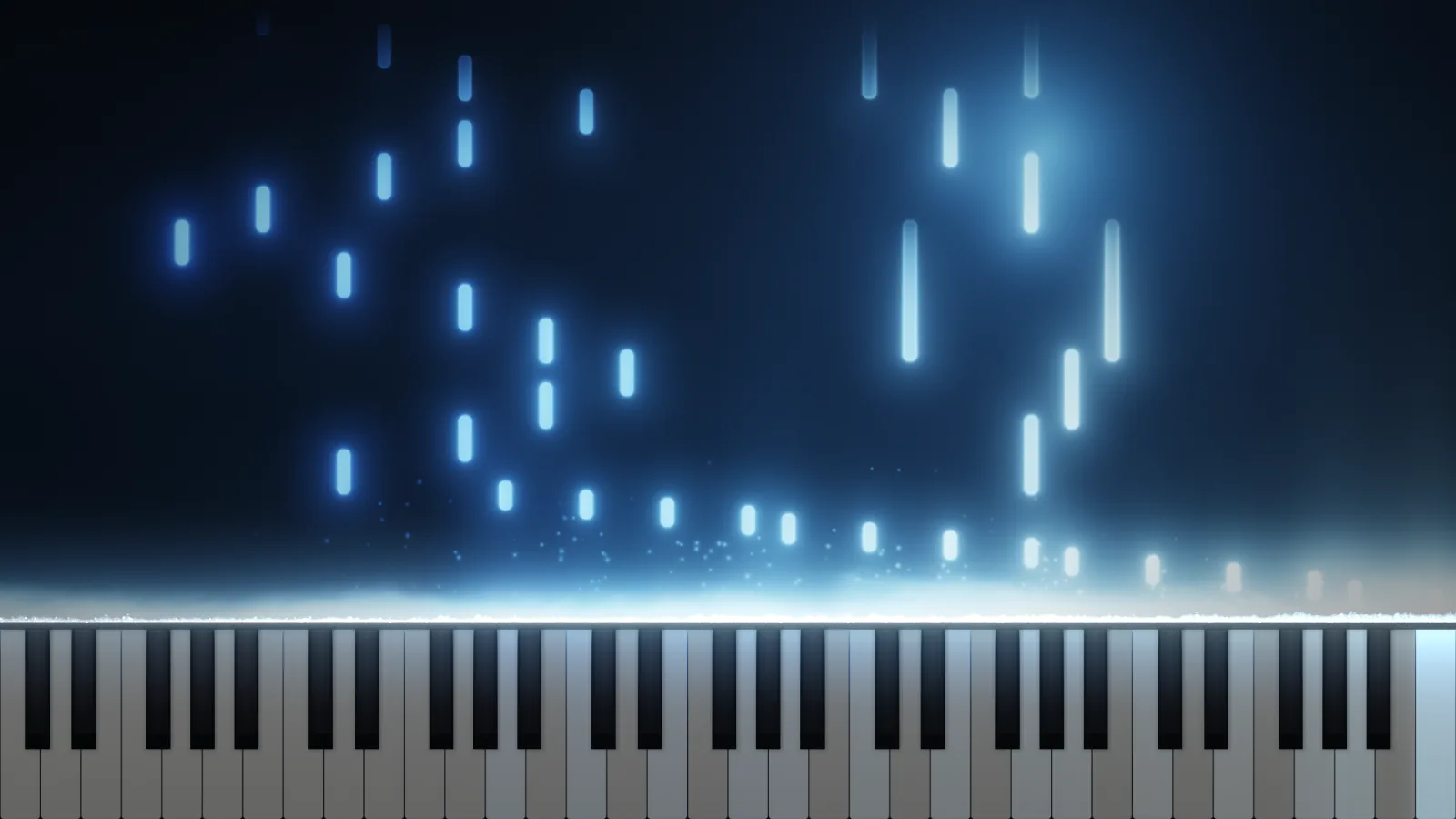
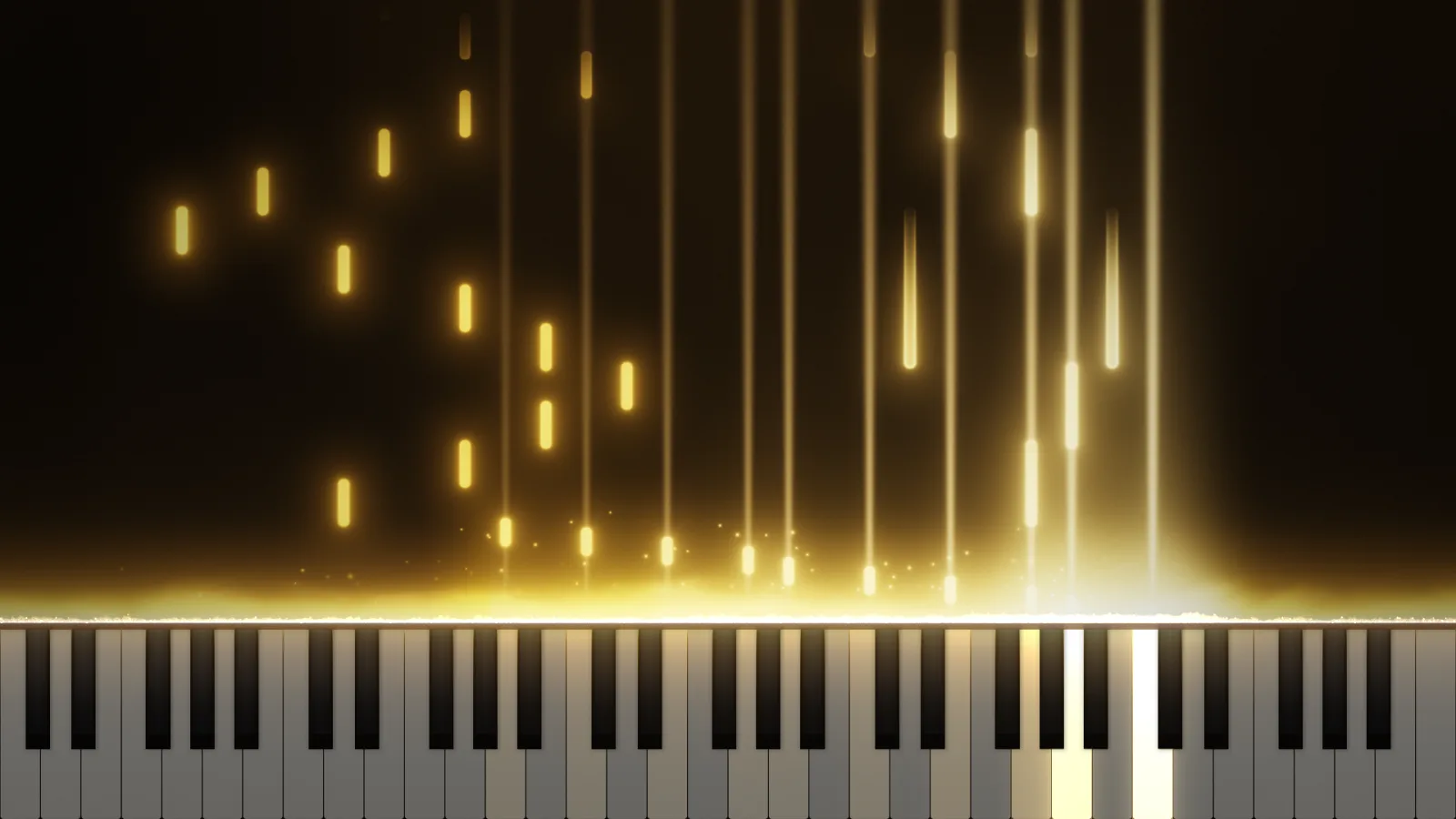
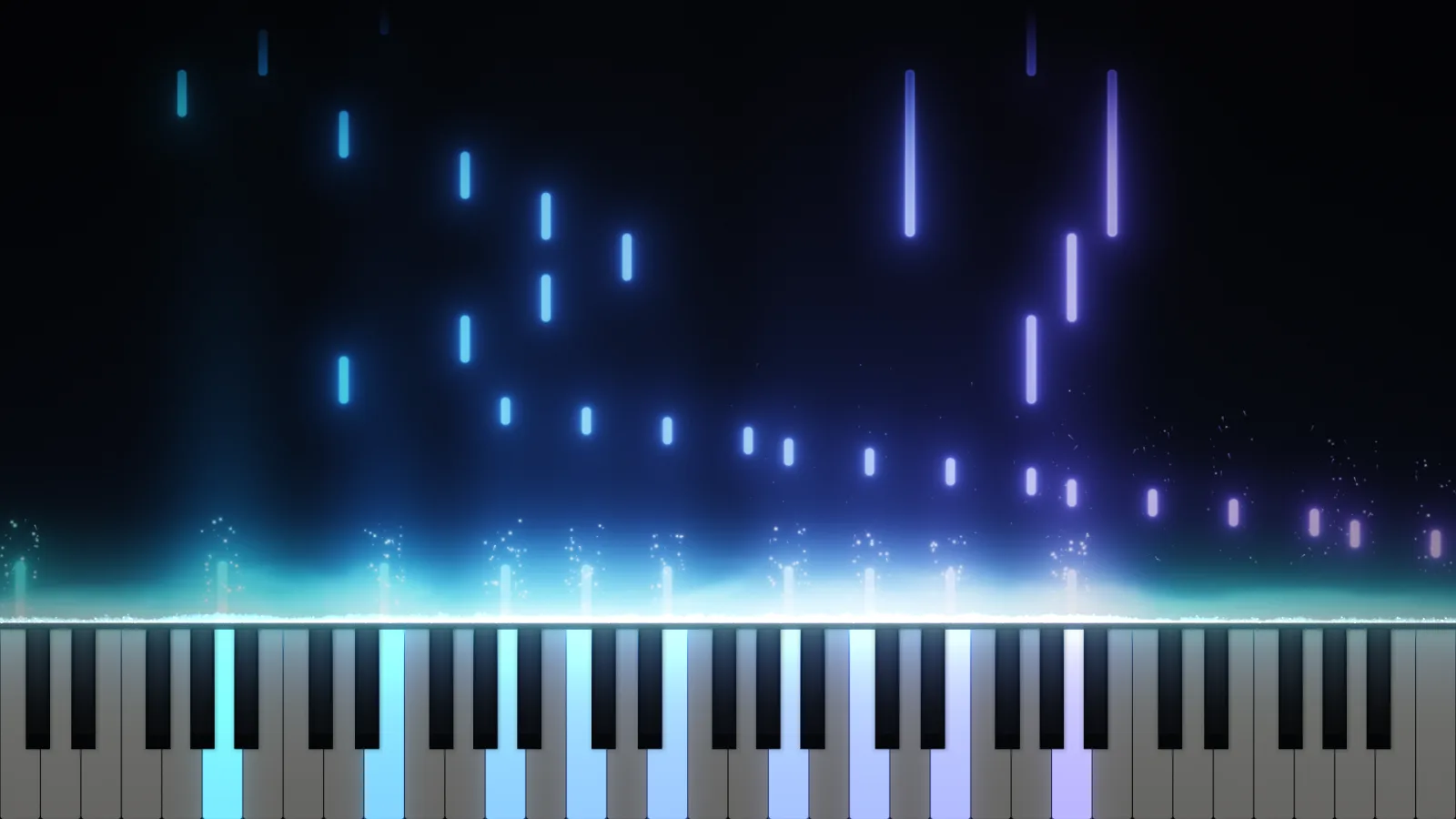
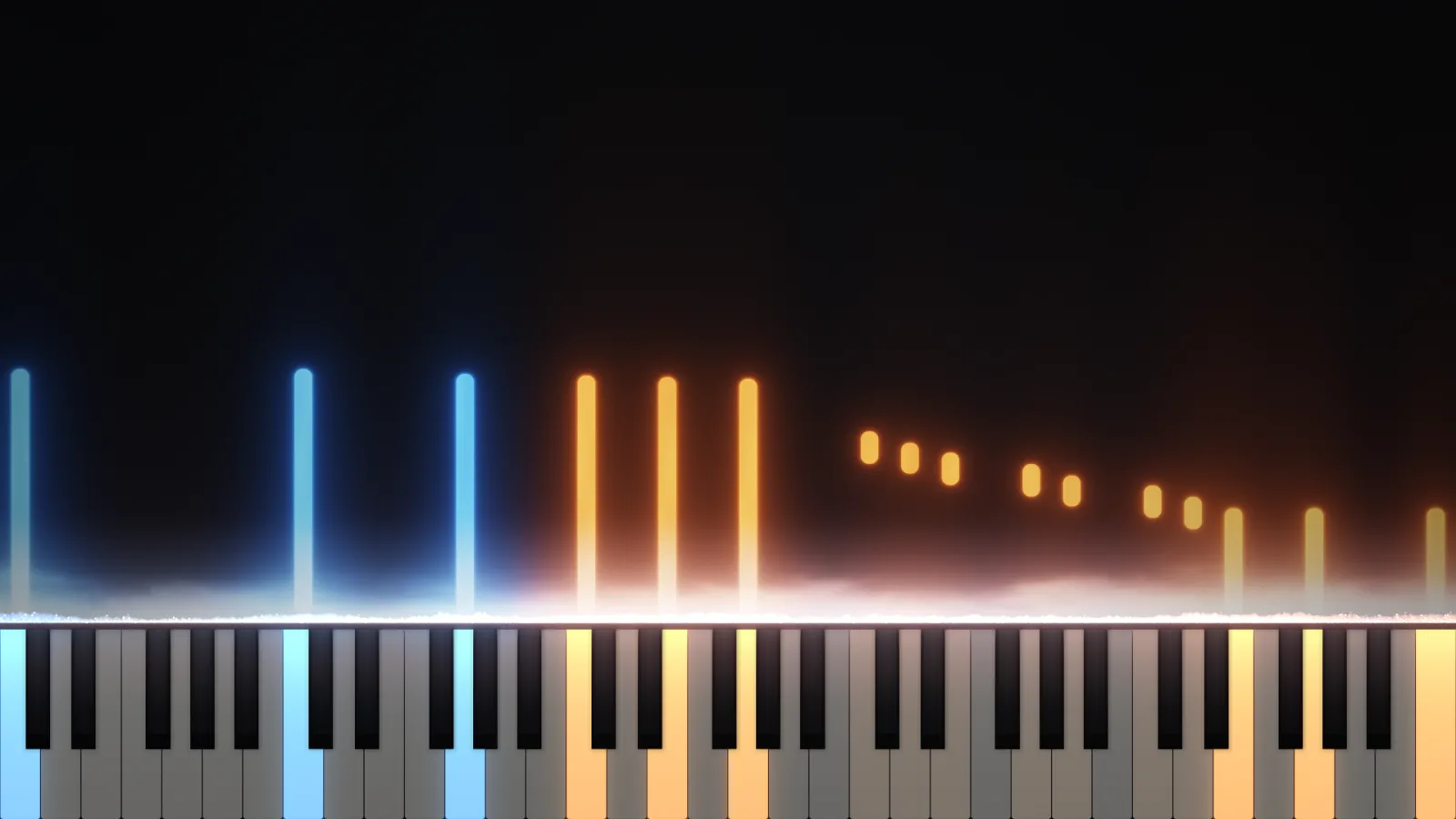
Pick a stage for your music
Every theme has its own light, particles, fog and background, and its own reaction when you play a chord. Switch with the arrow keys while you play, or tweak any look and save it as your own preset.
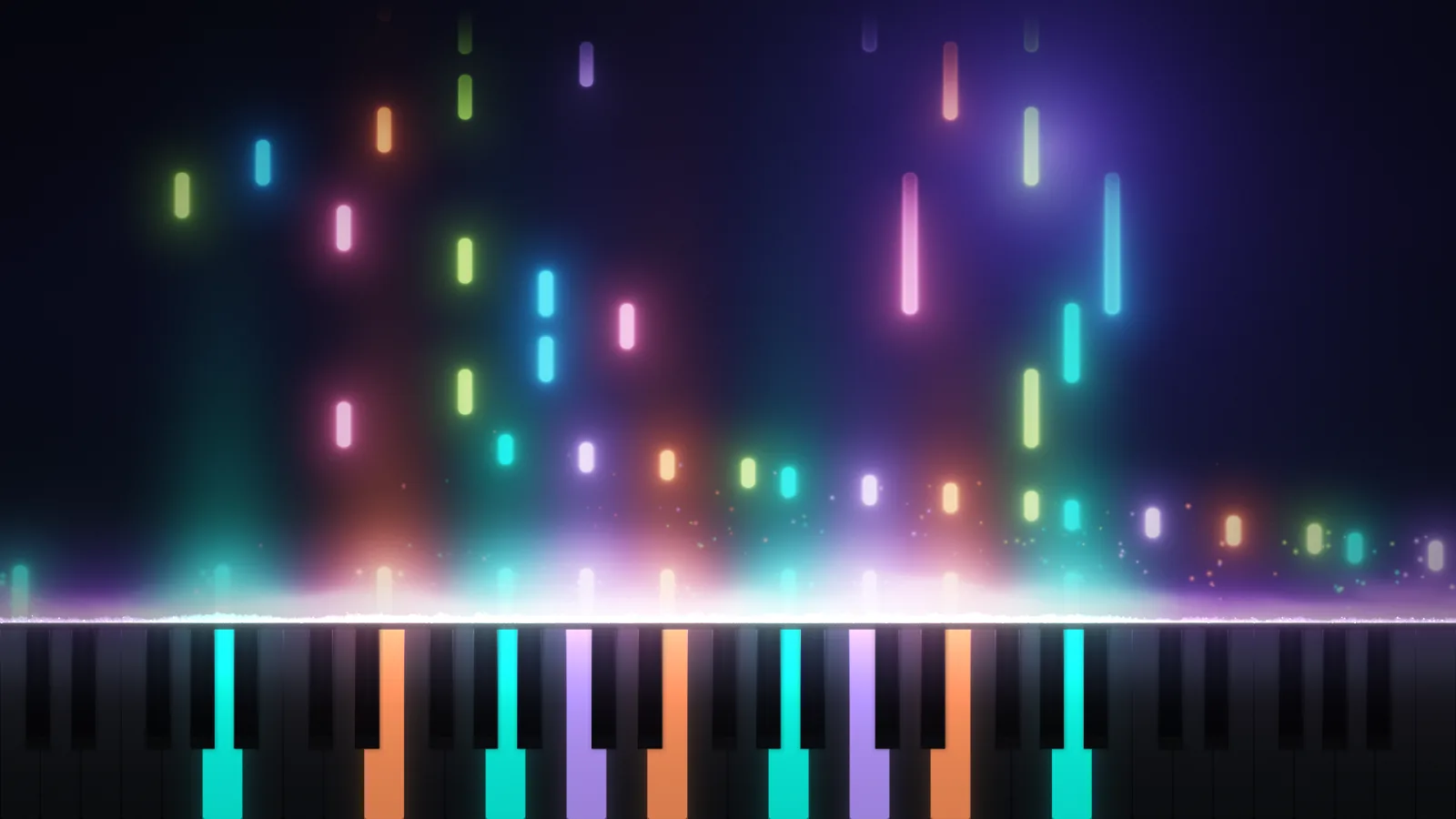
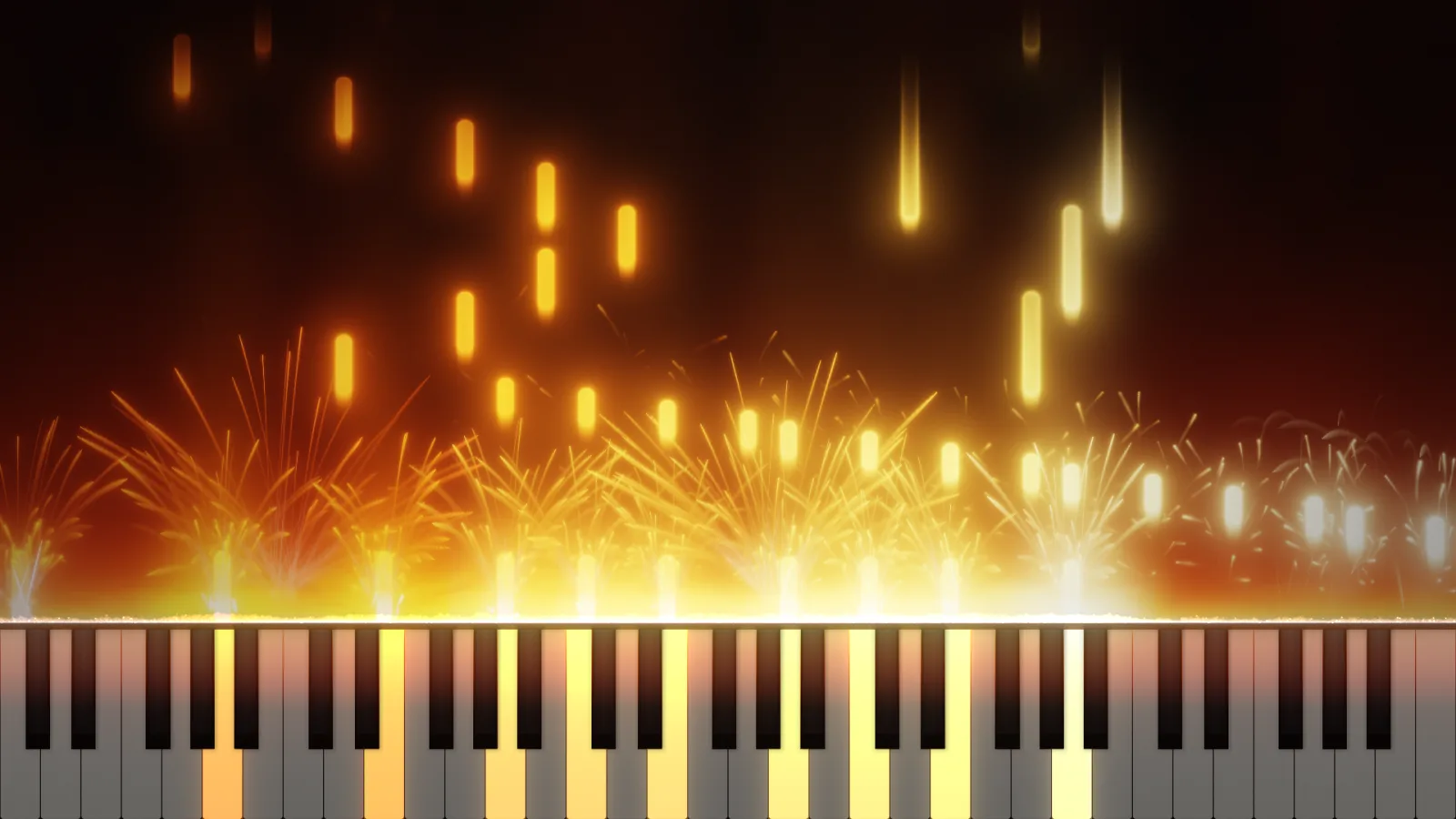
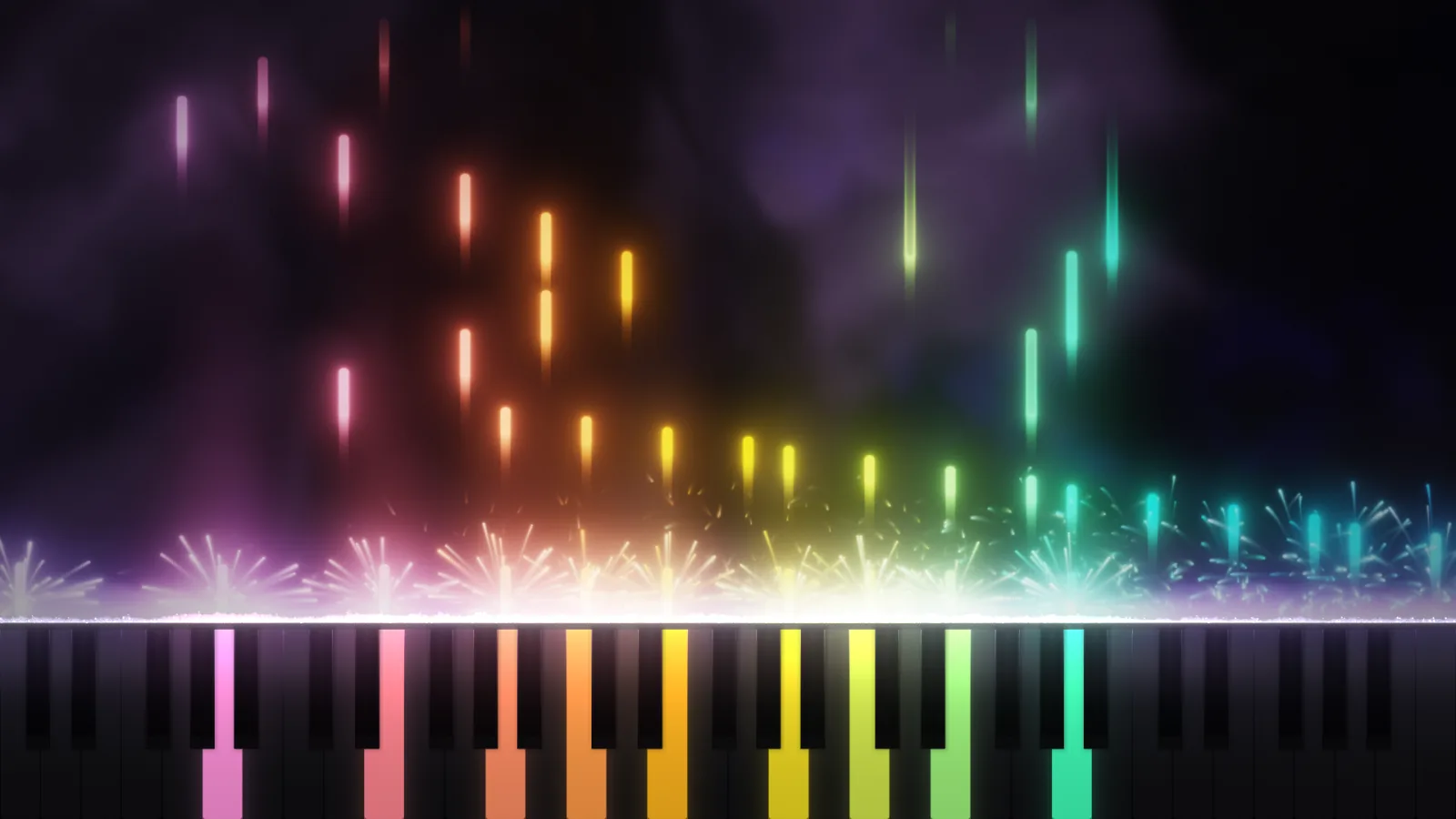
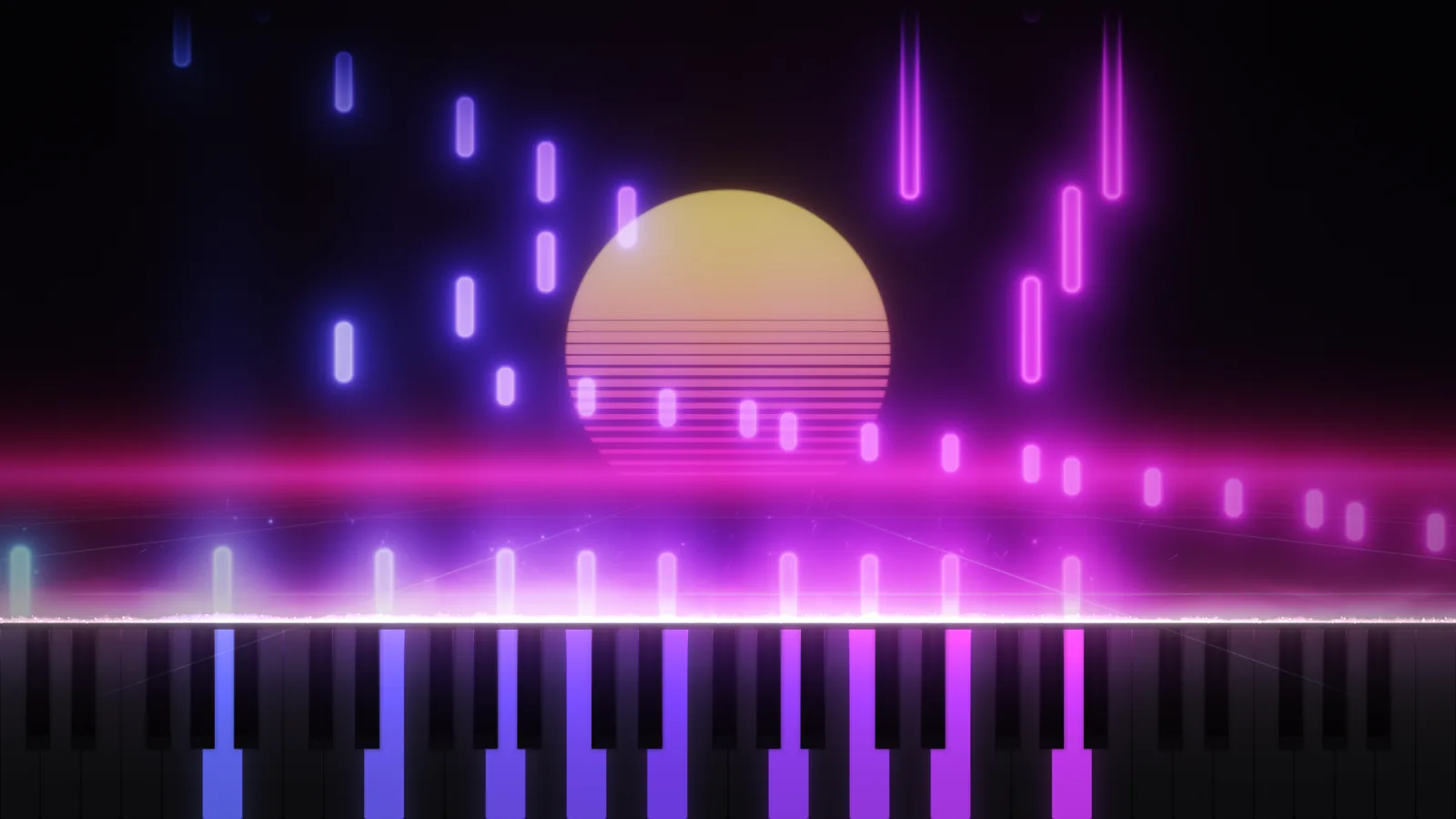
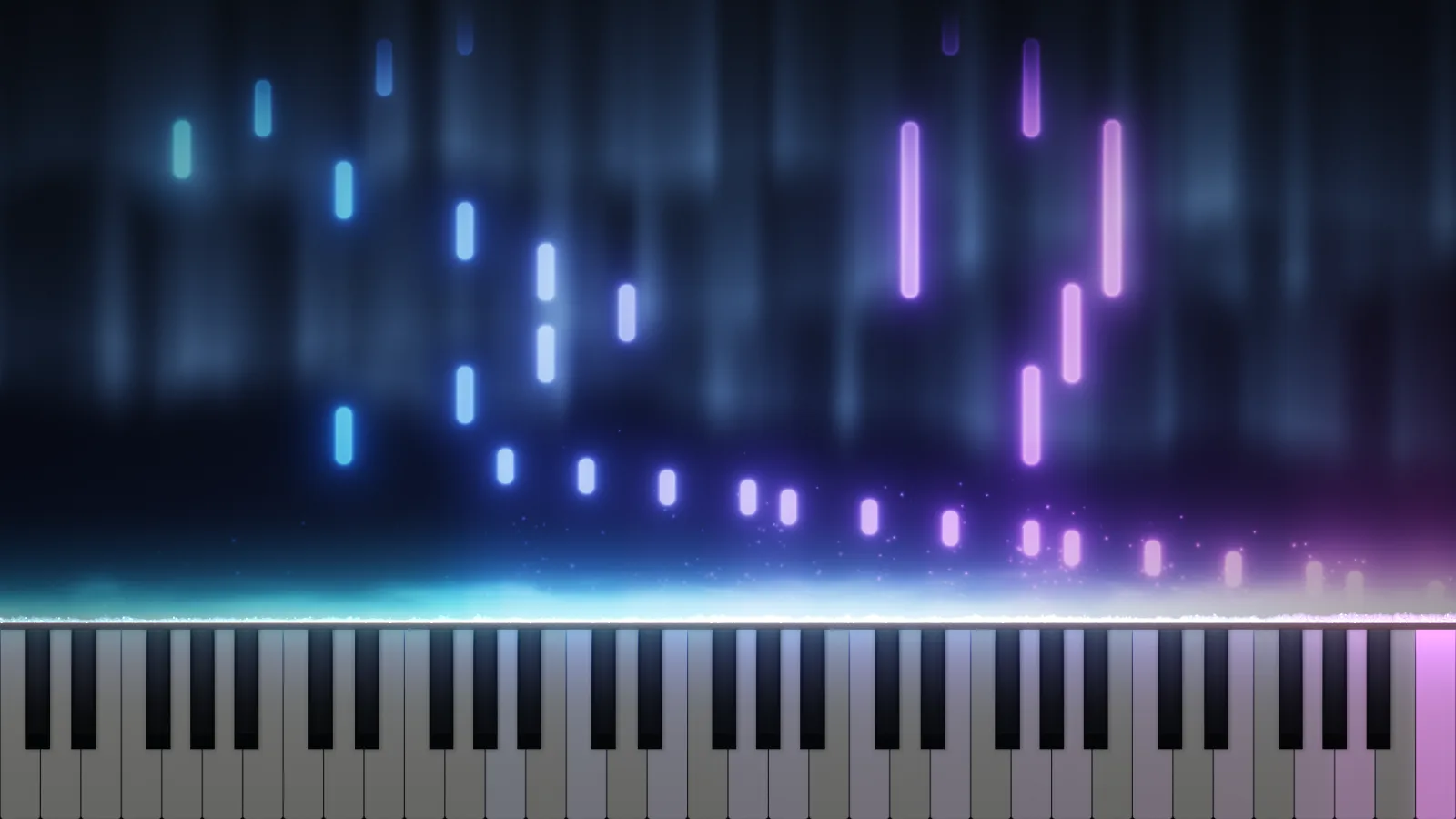
The light follows how you play
This is not a loop that runs over your music. Every effect is driven by the notes themselves.
How hard
Velocity sets size, brightness and how far the sparks fly.
How long
A ribbon grows while you hold a key and rises when you let go.
Which chord
Three or more notes together fire a chord effect. Switch on chord names to show them live: Am7, Cmaj7/E, Fadd9.
How high
Low notes are big and slow, high notes small and quick.
The pedal
Hold the sustain pedal and the light lingers with the sound.
Record a vertical video without editing
Choose 9:16, press R and play. The recorder saves only the effects and the keyboard, never the controls, at 1080×1920, with the keyboard lifted clear of the Reels and TikTok caption area. For YouTube pick 16:9, or 1:1 for a square post.
- Record your performance once, then try any theme, colors or fog on it and export the video you like best
- Sound from the app’s piano, your microphone or audio interface, or both
- Replay with falling notes, or open a .mid file and watch it fall onto the keys
A clean visual layer for OBS
- Open Piano Live VFX in its own browser window and pick a theme.
- In Scene, set the background to Green screen. Filming your real piano? Switch the on-screen keyboard off in Piano, so only the light goes over your hands.
- Press I for clean view: every control and the cursor disappear. Esc brings them back.
- In OBS, add a Window Capture of that window and a Chroma Key filter. Place it over your camera.
Your MIDI keyboard keeps sounding through your own piano or DAW: notes from MIDI are silent in the app by default, so nothing doubles.
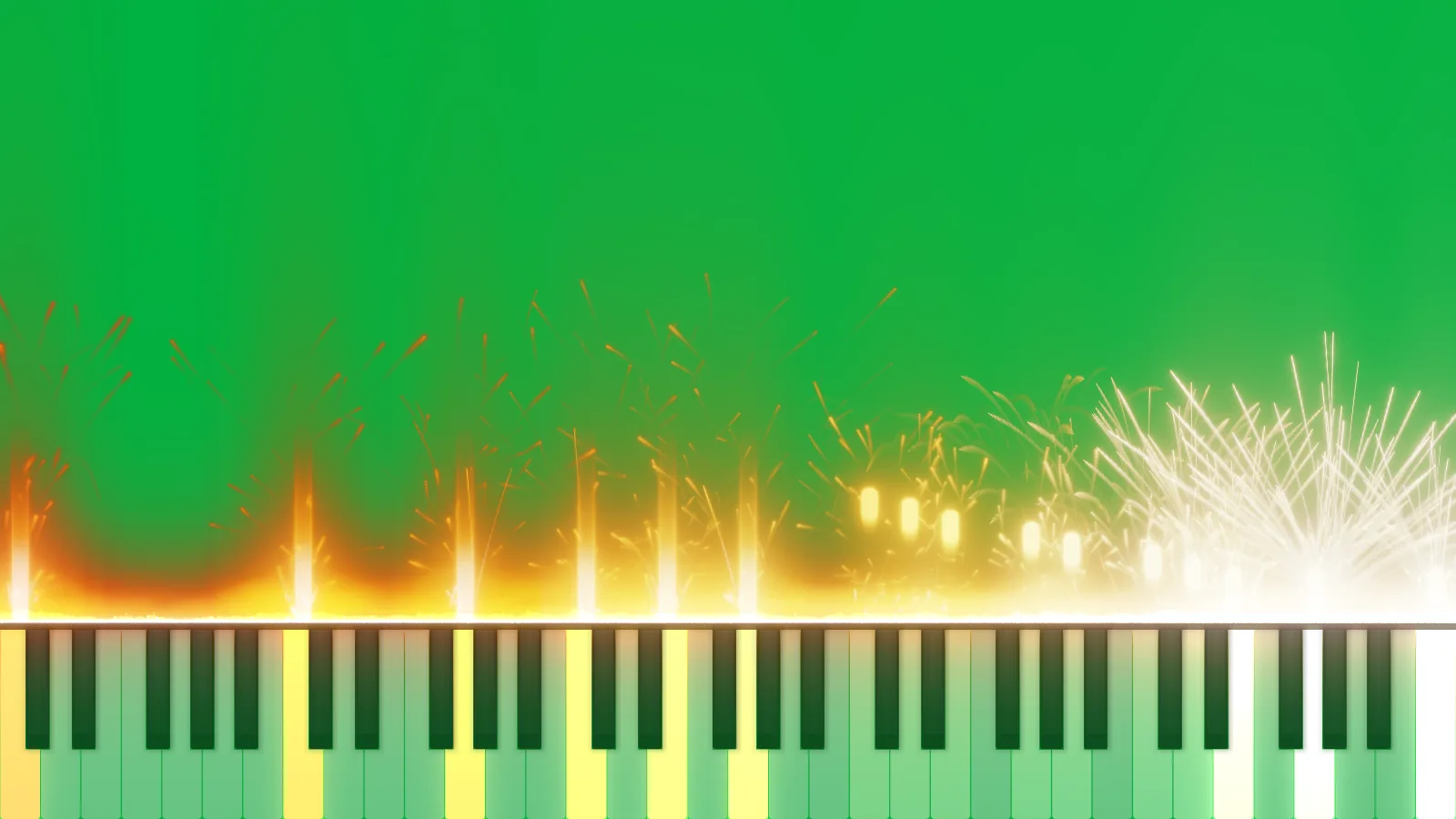
Put the light right on your real keys
Turn on the camera layer and the effects play over your live camera picture, with no green screen and no editing. Pick the keys your camera sees, then zoom, move and raise the virtual keyboard until it sits on your real one. Blend modes and opacity decide how the light mixes with the picture. Your camera stays on your device.
Camera layer
Live camera behind the effects, with mirror, blur, brightness and opacity.
Line up the keys
Choose the first and last key, then zoom, key width, move sideways and raise the keyboard.
Image layer
Your own picture under the light, with 16 blend modes.
Let students see what your hands do
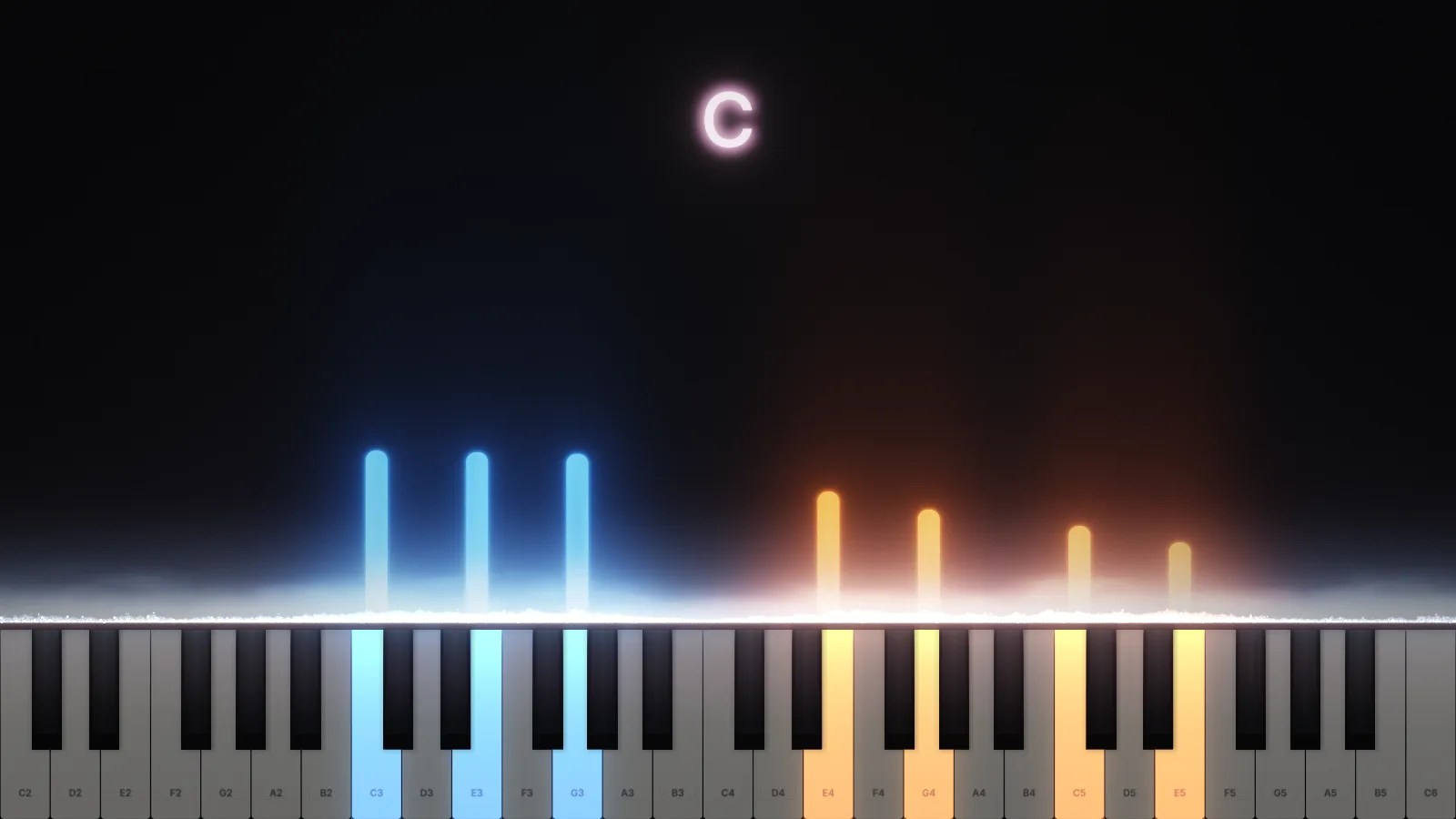
Show note names on the keys, the chord name above the keyboard, and color the left and right hand differently with a split point you choose. The Studio theme keeps it calm and clear on a projector or in a video lesson.
- Note names: off, C keys only, white keys or all keys
- Color by theme, note (circle of fifths), chord, hand, a rainbow across the keyboard or in every octave, or one color
- From 25 to 88 keys, so the range fits your lesson
Made for people who play
Streamers
Turn a keyboard cam into a show. Clean view and a green-screen background drop straight into OBS.
Reels, TikTok and Shorts
Play once, get a vertical video with the sound in it. No timeline, no keyframes.
Teachers
Chord names, note names and two-hand colors make every voicing visible.
Producers and cover artists
Record with the sound from your audio interface, so the video carries your real mix.
What you get
| Play with | MIDI keyboard through Web MIDI (connects by itself, sustain pedal CC64), computer keys (ASDF… and WET…, Z/X octave, Space = pedal), mouse, or several fingers on a touch screen |
|---|---|
| Sound | Built-in synthesized piano: grand, felt or electric, with room reverb. Silent for MIDI unless you switch it on |
| Looks | Violet Mist, Aurora, Embers, Neon City, Stardust, Moonlight, Gold Concert, Spiral, Studio. Ice fog, key glow and classic ivory or black lacquer keys. Save your own looks as presets, export and import them |
| Background | From the theme, a solid color, transparent or green screen, plus an image layer and a live camera layer, each with blend mode, opacity, blur and brightness |
| Recording | 9:16 (1080×1920), 16:9 (1920×1080) or 1:1, with app sound, microphone or audio interface, or both. MP4 video (H.264 with AAC sound) |
| Performances | Record what you play (notes, velocity, pedal), replay it live or as falling notes in any look, export it as a video, save it as .mid, or open a .mid file |
| Performance | Sleeps when nothing plays; 60 fps, or 30 fps to keep a laptop cool. Calm motion follows your system’s reduced-motion setting |
Frequently asked questions
What is a piano visualizer?
An app that turns the notes you play into graphics. Piano Live VFX draws a keyboard that lights up and sends light, sparks and particles up from each key, live, as you play.
Which MIDI keyboards work?
Any MIDI keyboard or controller your computer already recognizes, such as a USB keyboard, in Chrome, Edge and other Chromium browsers (not Safari). It connects by itself, also if you plug it in after opening the page, and the sustain pedal works. No keyboard? Use your computer keys or tap the screen.
Can it play a MIDI file?
Yes. Open a .mid file and the notes fall onto the keys with the built-in piano sound, with all the effects. You can also record what you play and save it as a .mid file.
Does it make sound?
Yes. A built-in piano plays when you use the computer keys, the screen, the demo or a MIDI file. Notes from a MIDI keyboard are silent by default because your own piano is already playing; one switch turns the sound on for MIDI too.
How do I record a piano video with it?
Pick a shape (9:16 for Reels, TikTok and Shorts, 16:9 for YouTube, or 1:1), choose the audio (app sound, your microphone or audio interface, or both), press R and play. Press R again to stop and save the video. The controls never show up in the recording.
Can I put the effects over my hands on camera?
Yes, two ways. In the app, turn on the camera layer and line the virtual keys up with your real ones (pick the first and last key, then zoom, move and raise the keyboard). Or in OBS, use the Green screen background with the on-screen keyboard switched off and a Chroma Key filter, over your camera source.
How do I add it to OBS?
Set the background to Green screen, press I for clean view, add a Window Capture of the browser window in OBS and put a Chroma Key filter on it. If your camera already shows your piano, switch the on-screen keyboard off first.
Does it work on a phone or tablet?
Yes. On a phone you get 25 keys you can play with several fingers, and the settings move to a drawer above the keys. A MIDI keyboard needs a browser with Web MIDI, such as Chrome on Android; iPhone and iPad browsers do not have it.
Do I need to install anything?
No. It runs in the browser. You can add it to your home screen or dock as an app if you like.
Play something. Watch it glow.
Open Piano Live VFX, press Demo to hear and see it, then try it with your own keyboard.

Reviews
There are no reviews yet.